Fun Games to Play at School (2026): 10 Free Browser Games for Breaks
Finished your work early? Got ten minutes of free time, a rainy lunch break or a Friday afternoon reward? The best games to play at school are ones that start instantly, need no install, are easy to put down and won’t get you in trouble if a teacher looks over your shoulder.
Every game on this list is made by our studio, Glowbit. They’re free, run in Chrome, Edge, Firefox or Safari with no download, no account and no in-game chat, and most are only about 1 MB, so they load fast even on busy school Wi-Fi. None of them are violent or gory. They all work on school Chromebooks, laptops and tablets.
Quick games for a 5-minute break
These are easy to start and easy to stop when the bell rings.
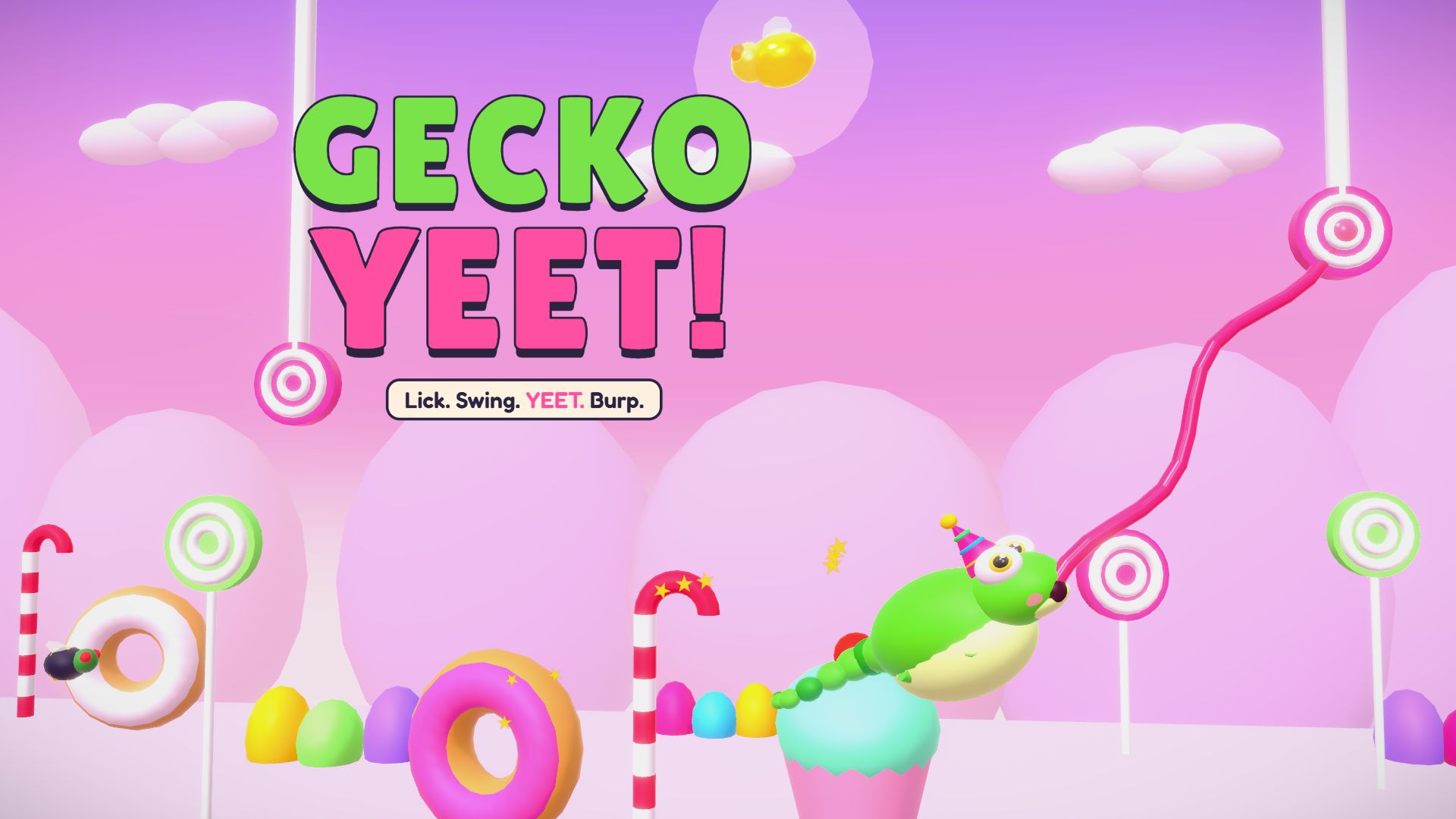
1. Gecko Yeet!: one button, instant fun
Download: ~1 MB · Ages: 3+ · Controls: one button (Space, click or tap)
A chubby gecko swings from peg to peg with its sticky tongue. Hold to lick a peg and swing, let go to fly to the next one. Eat bugs to get chonky, burp for a speed boost and splat into the x10 YEET ZONE at the end of every level. Fall in the goo and you just restart at the last checkpoint flag, so a short break is plenty.
→ Play Gecko Yeet · Read the guide
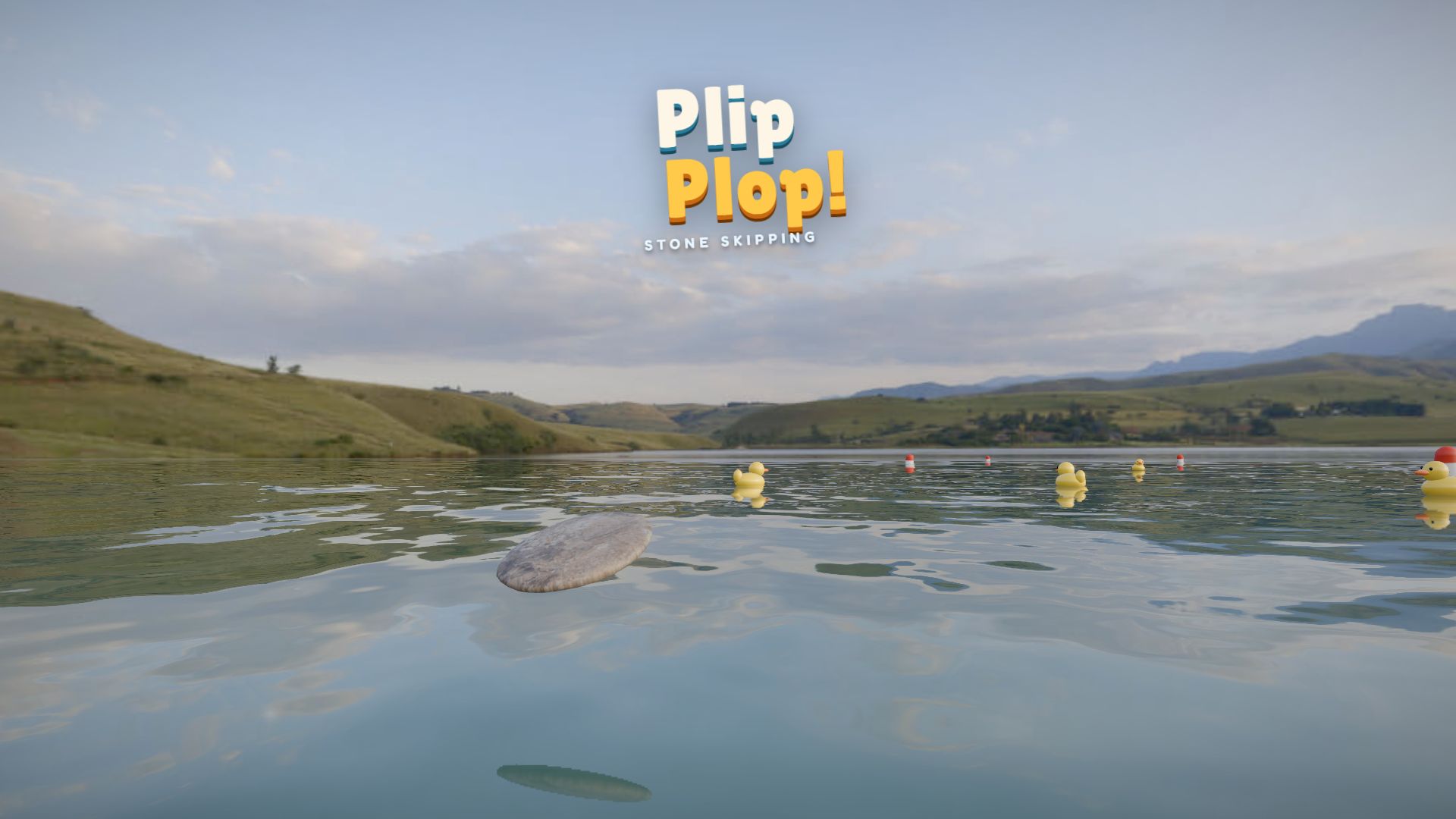
2. Plip Plop!: skip stones on a lake
Download: ~2 MB · Ages: 3+ · Controls: flick up, then tap
Throw a flat stone across a photo-real lake with one flick, then tap each time it touches the water. Perfect taps keep it skipping further. Every throw takes seconds. For free time, Zen Lake gives you endless stones, and the Course Maker lets you build your own course and share it with a classmate as a code.
→ Play Plip Plop · Read the guide
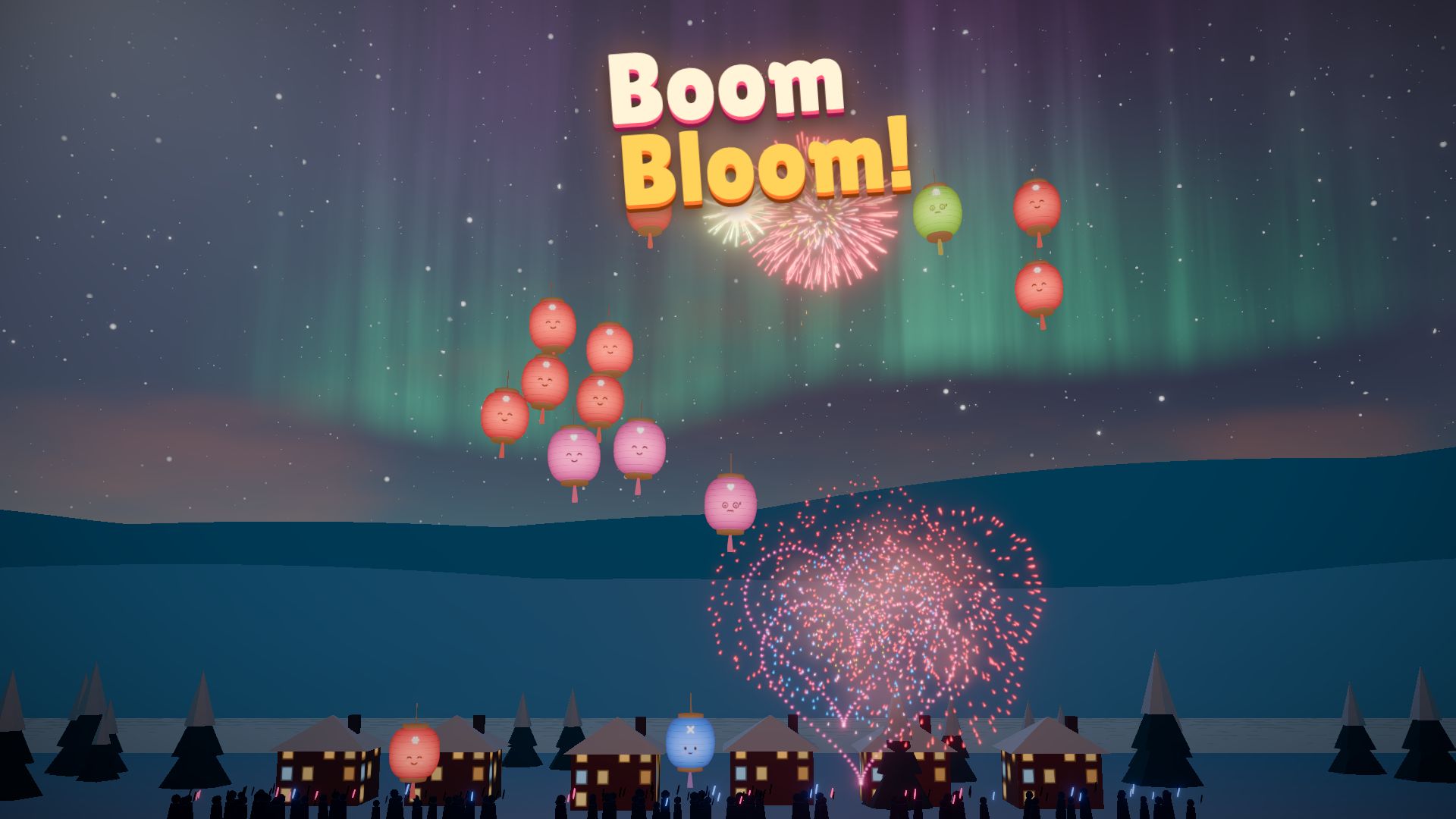
3. Boom Bloom!: firework chain reactions
Download: ~1 MB · Ages: 3+ · Controls: click or tap the sky
Tap the sky and a rocket bursts there. Every paper lantern its sparks touch bursts too, and one good tap can set off the whole sky. It’s a puzzle game in disguise: you have to read which shell does what to clear a show with one rocket. Festival is the endless mode, and your best score is saved, which is great for a friendly class competition.
→ Play Boom Bloom · Read the guide
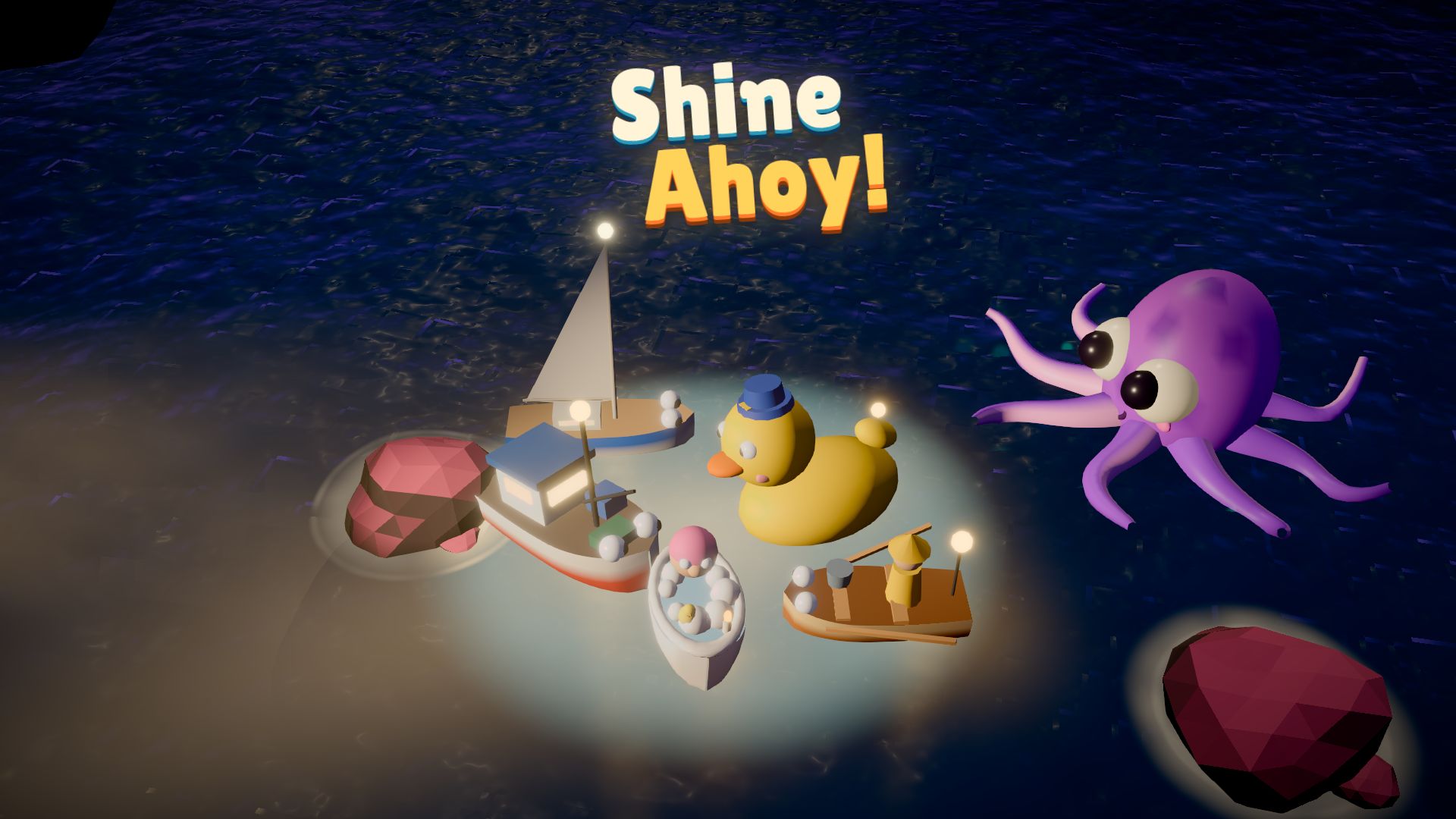
4. Shine Ahoy!: guide boats home with a lighthouse
Download: ~1 MB · Ages: 3+ · Controls: move the cursor or one finger
You keep the lighthouse, and lost boats follow your beam. Lead them around rocks and into the harbour. It’s calm, it only needs a touchpad, and the trick (lead the boats, don’t drag them) clicks after a night or two.
→ Play Shine Ahoy · Read the guide
Brain games: thinking, planning and a bit of maths
Good for when a teacher says “you can play something, but make it something smart”.
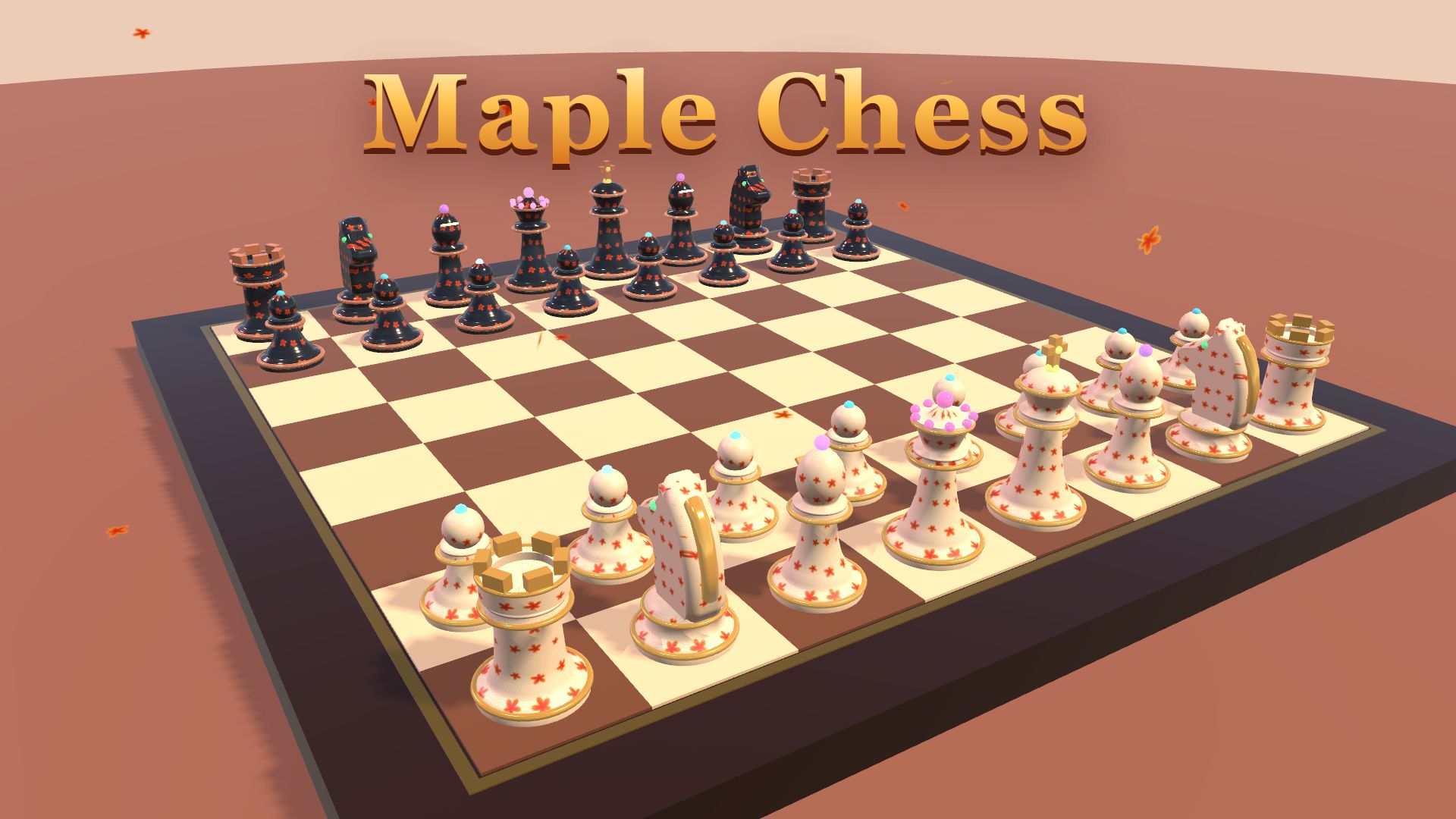
5. Maple Chess: real chess, three levels
Download: ~9 MB · Ages: 3+ · Controls: click or tap
Full rules of chess, including castling, en passant and promotion, in a 3D autumn garden. Play the computer on Easy, Medium or Hard, or play a classmate on the same device. Easy is great for learning, and Undo lets you take back a blunder.
→ Play Maple Chess · Read the guide
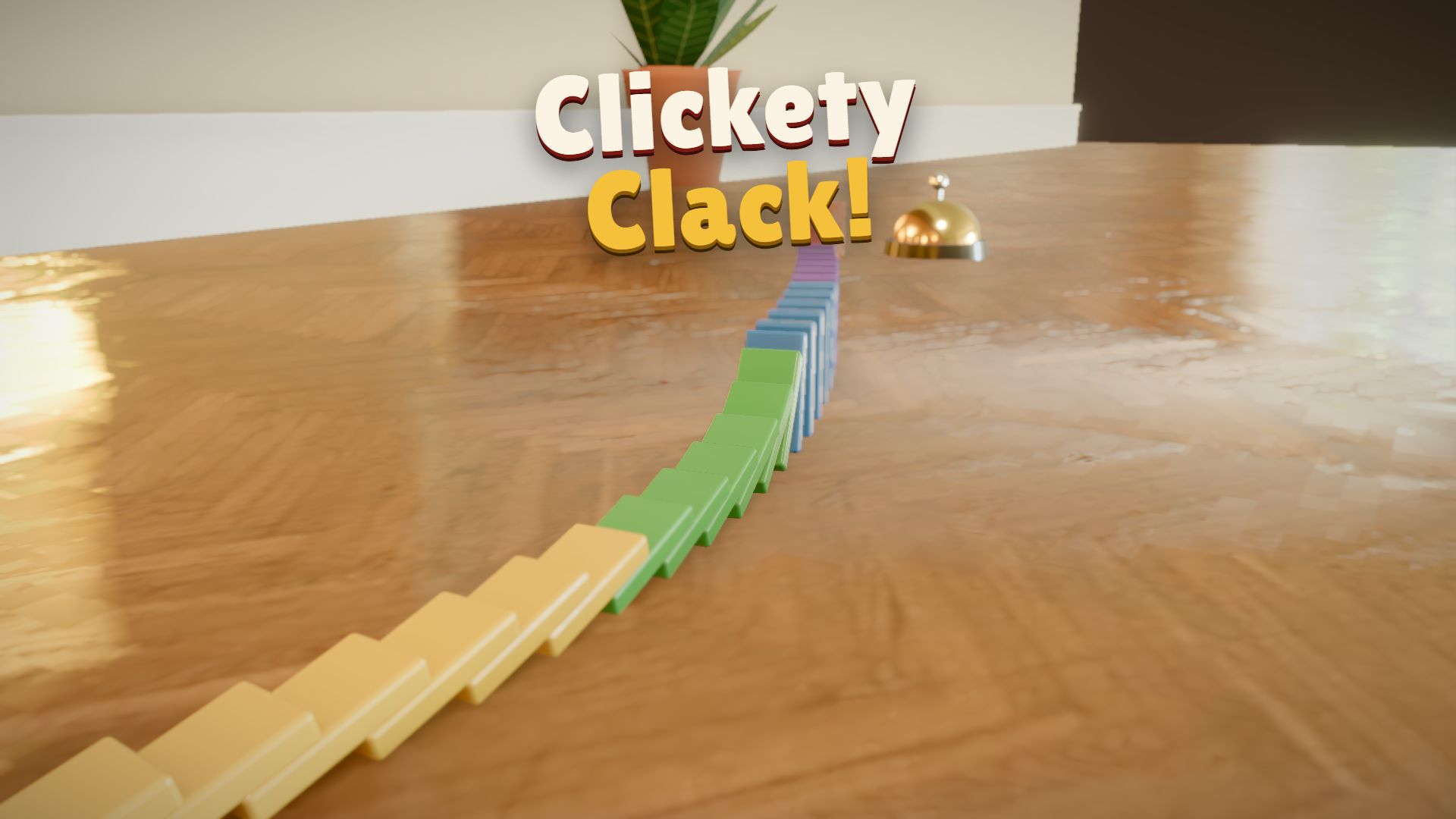
6. Clickety Clack!: domino physics
Download: ~2 MB · Ages: 3+ · Controls: drag to draw, Space to go
Draw domino lines through a real-looking house, then flick the first one and watch the wave run in slow motion. It’s a hands-on physics lesson: a domino can only knock over one about 1.5 times its size, sharp corners break the chain, and you need to split a line to hit two targets. Try to finish each level using no more than “par” dominoes.
→ Play Clickety Clack · Read the guide
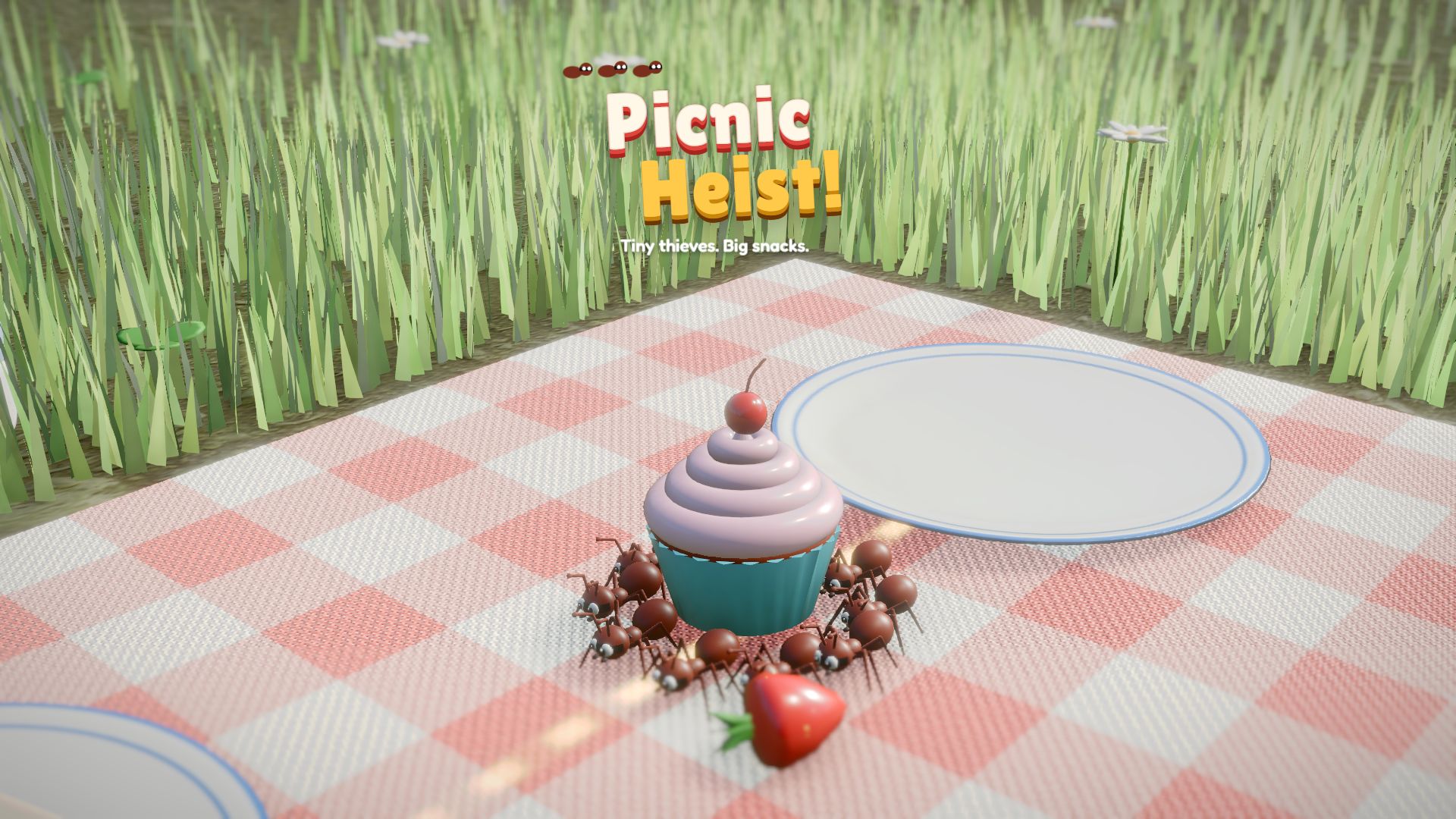
7. Picnic Heist!: plan an ant raid
Download: ~4 MB · Ages: 3+ · Controls: drag trails, hold Space to freeze
Draw ant trails from the anthill to the snacks, and the ants carry them home together. Each snack needs a certain number of ants (a grape needs 2, the birthday cake 22), and every delivery hatches new ants. Freeze whenever the family looks down. It’s a lovely mix of planning and counting.
→ Play Picnic Heist · Read the guide
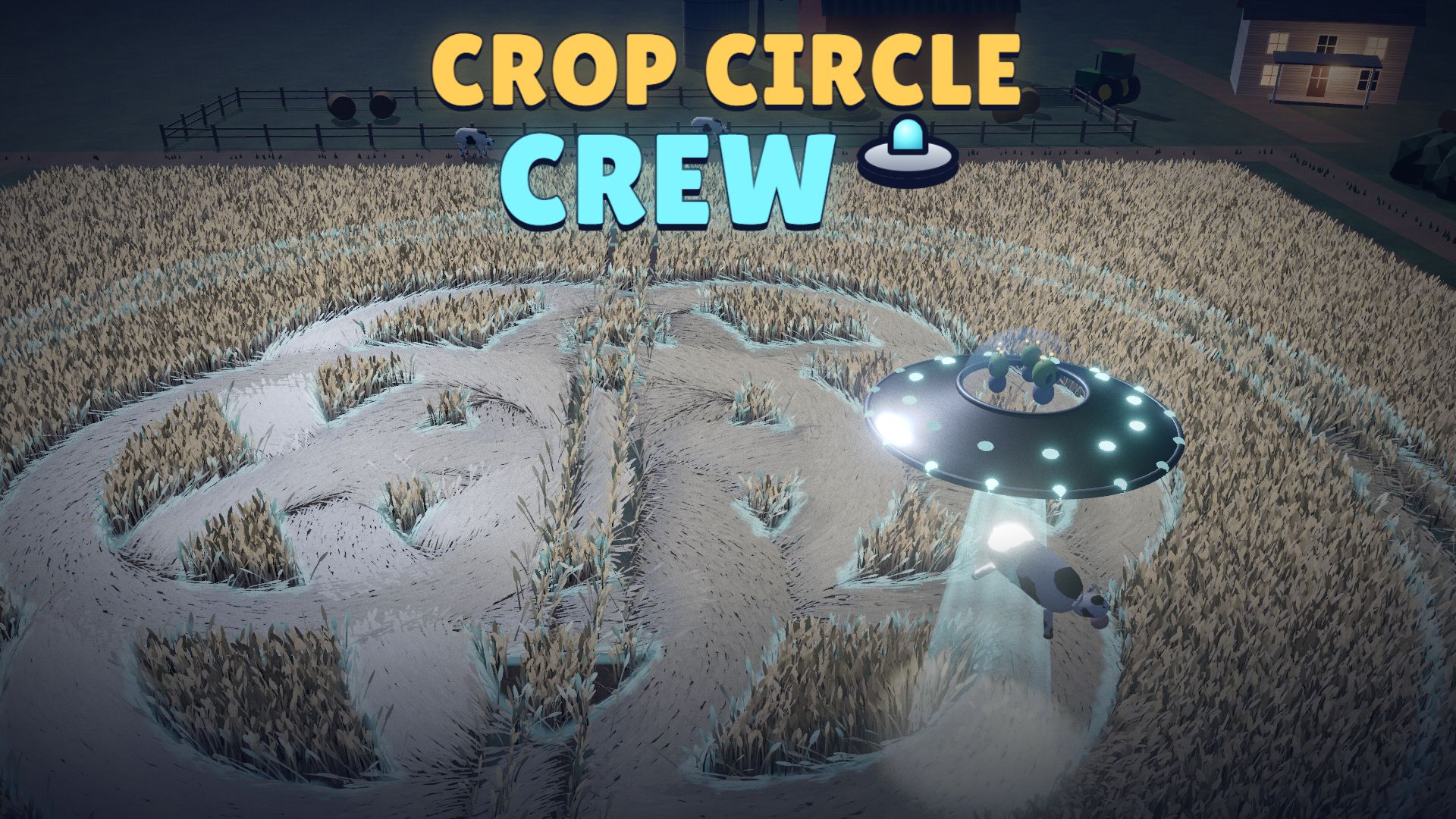
8. Crop Circle Crew: geometry with a UFO
Download: ~1 MB · Ages: 7+ · Controls: WASD or the mouse, hold Space to beam
Fly a flying saucer over a moonlit field and copy a glowing pattern into the crop with your tractor beam. The match score rewards accuracy, so it’s really a game about circles, radius and drawing carefully. The stake trick lets you draw perfect rings, just like a compass.
→ Play Crop Circle Crew · Read the guide
Longer games for lunch or a Friday reward
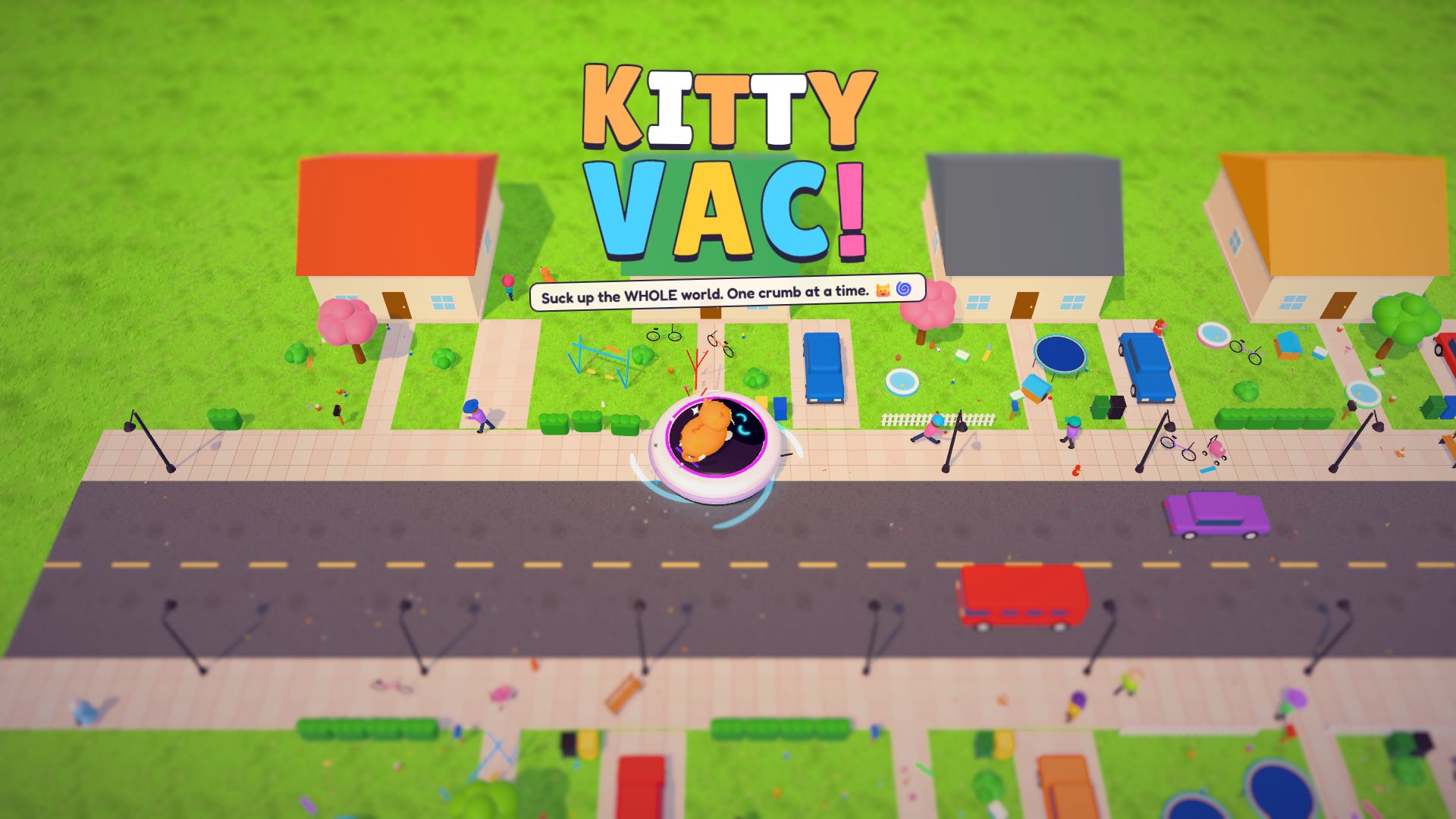
9. Kitty Vac!: eat the whole town
Download: ~1 MB · Ages: 3+ · Controls: WASD / arrows or hold the mouse
A tiny robot vacuum with a cat on top slurps crumbs, then toys, then sofas, cars and finally whole buildings. Levels last 2 to 5 minutes, so two or three fit in a lunch break, and the owners’ angry reviews at the end make everyone laugh.
→ Play Kitty Vac · Read the guide
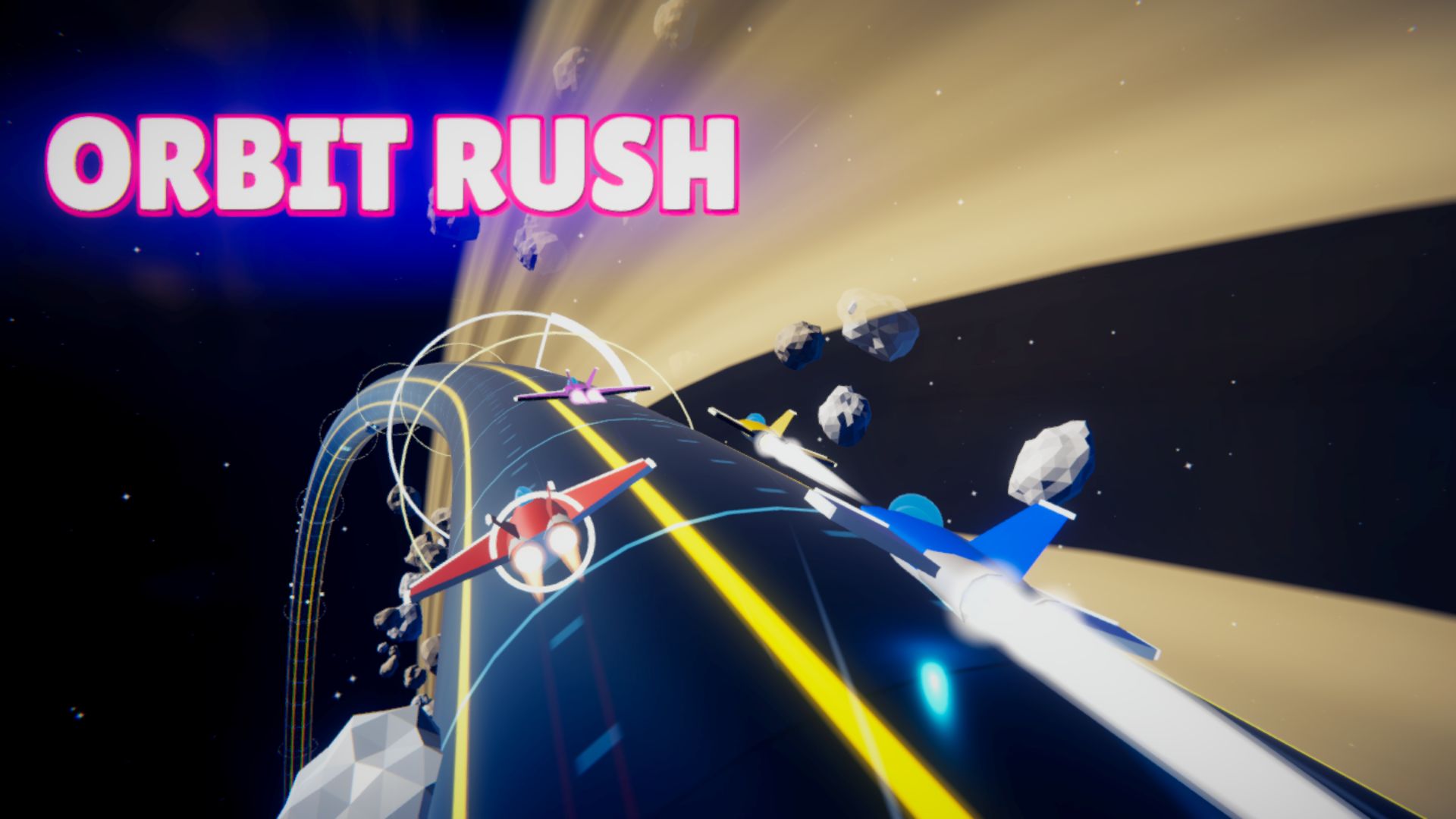
10. Orbit Rush: space racing
Download: ~12 MB · Ages: 7+ · Controls: arrow keys, Space to drift
Race seven rivals around neon tubes that orbit the planets, and fly all the way around the tube. Each race is 3 laps, it plays entirely on the keyboard, and drift turbos feel great once you get the hang of them. It’s the biggest download on this list, so open it before the break starts.
→ Play Orbit Rush · Read the guide
Which one should you play?
| If you have… | Play |
|---|---|
| 5 minutes | Gecko Yeet, Plip Plop or Boom Bloom |
| Only a touchpad | Shine Ahoy or Boom Bloom |
| A friend next to you | Maple Chess (2 players on one device) |
| A teacher who wants it to be educational | Clickety Clack, Crop Circle Crew or Picnic Heist |
| A whole lunch break | Kitty Vac or Orbit Rush |
For teachers
- No accounts and no chat. Students can’t talk to strangers, and no game asks for personal information.
- Age ratings are on every game page. Everything on this list is rated 3+ or 7+.
- Sound can be switched off in most games’ settings, or just mute the browser tab. Handy in a quiet classroom.
- Class game idea: put Boom Bloom’s Festival mode or a Plip Plop course on the projector and let students take turns. Highest score wins.
“Why can’t I open it at school?”
Every school decides which websites its network allows. If a game won’t load on a school Chromebook or school Wi-Fi, it has been blocked by your school, so ask your teacher or IT team. Please don’t try to get around school filters: you could get in trouble, and it isn’t worth it. At home, every game works in any modern browser.
Looking for more? See our Chromebook games list (23 games sorted by download size and controls) and our free games for kids.