Free Online Games for Kids: No Download, No Sign-Up, No Chat
Looking for something safe and fun for a child to play on a laptop or tablet? Every game here runs in the browser, so there’s nothing to install and no account to create. None of them has chat or any way to talk to strangers. Progress is saved only in your browser, on your device.
Here are the Glowbit games we recommend for kids, from youngest to oldest.
For ages 3 and up
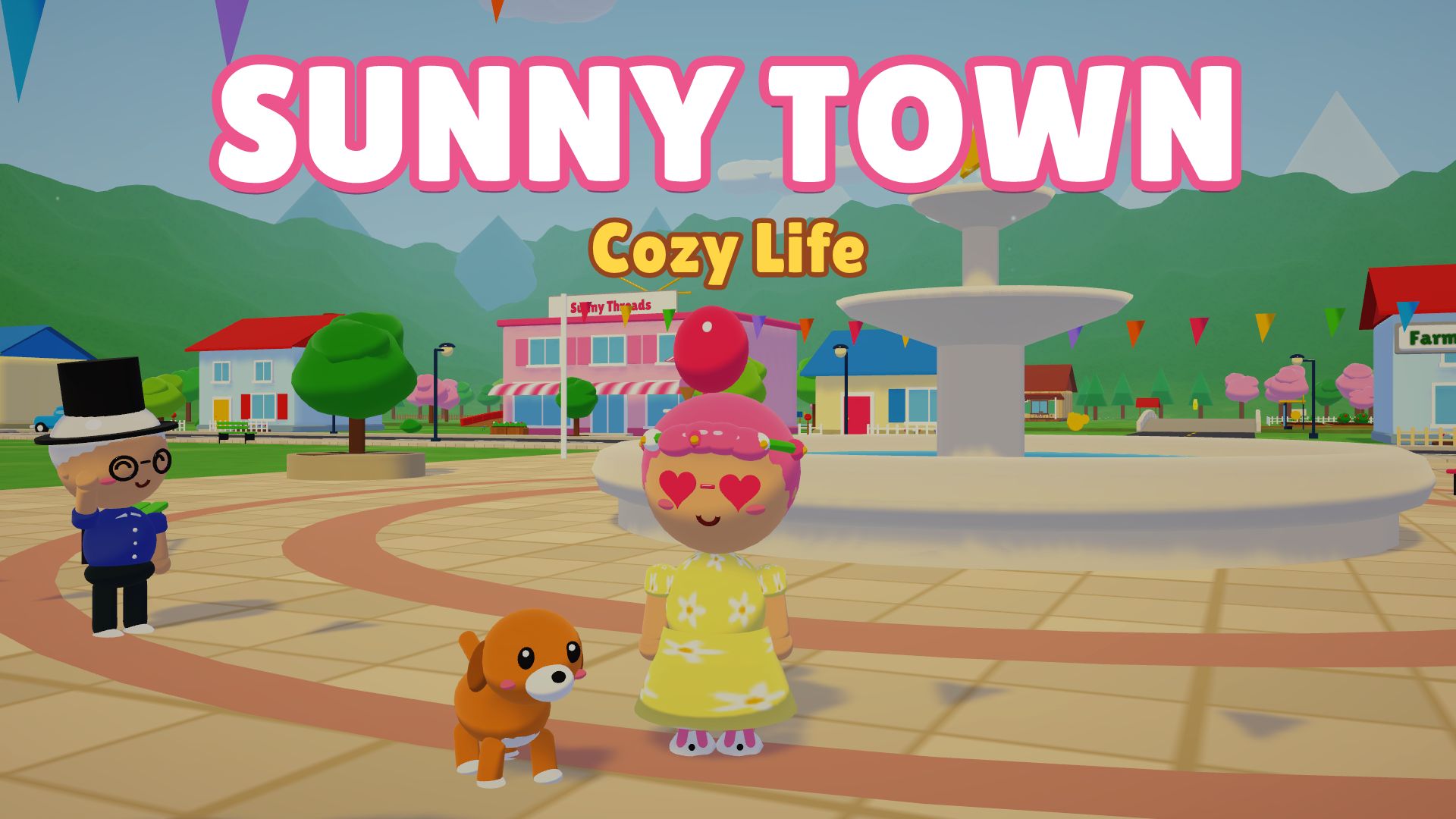
Sunny Town: Cozy Life
A bright cartoon town where kids can dress up a character, adopt a puppy, kitty, bunny or panda, grow carrots and pumpkins, go fishing and make friends with the townsfolk. There’s no fighting and no way to lose: just gentle tasks like serving coffee, sorting mail and dancing at a juice-bar party. Friendships are platonic, and the to-do list from the town’s mayor guides new players step by step.
Why parents like it: calm, creative and nothing scary. It also helps with reading the simple quest text.
→ Play Sunny Town · Parent’s guide to the game
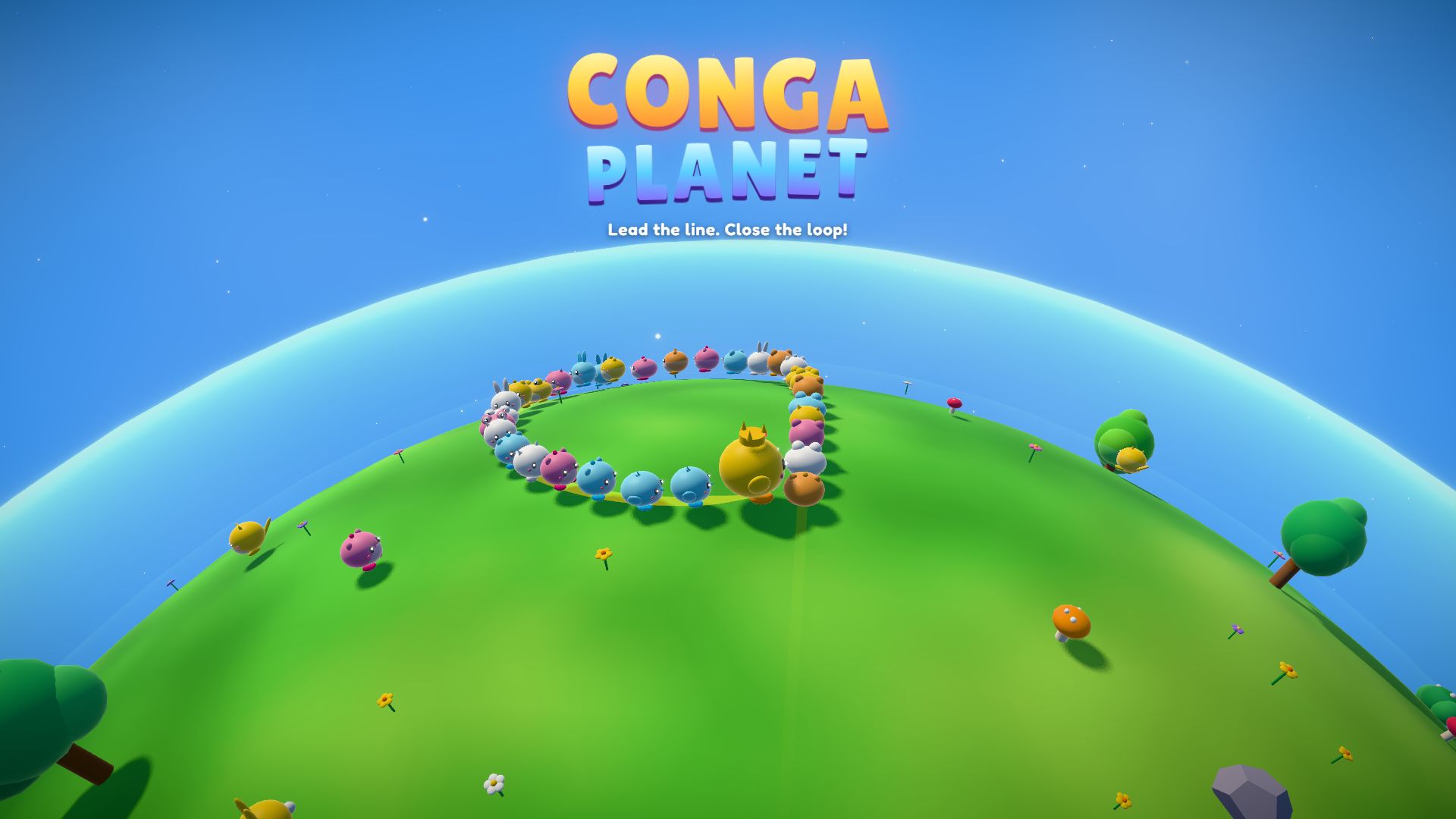
Conga Planet
Kids lead a line of cute critters around tiny round planets and draw loops around grumpy monsters to turn them into gems. Steering is with the mouse, the arrow keys or a finger on a tablet, so even young children get it in a minute. The cartoon monsters “pop” into gems: there’s no blood or violence.
Why parents like it: short rounds, simple controls and a gentle challenge that grows with skill.
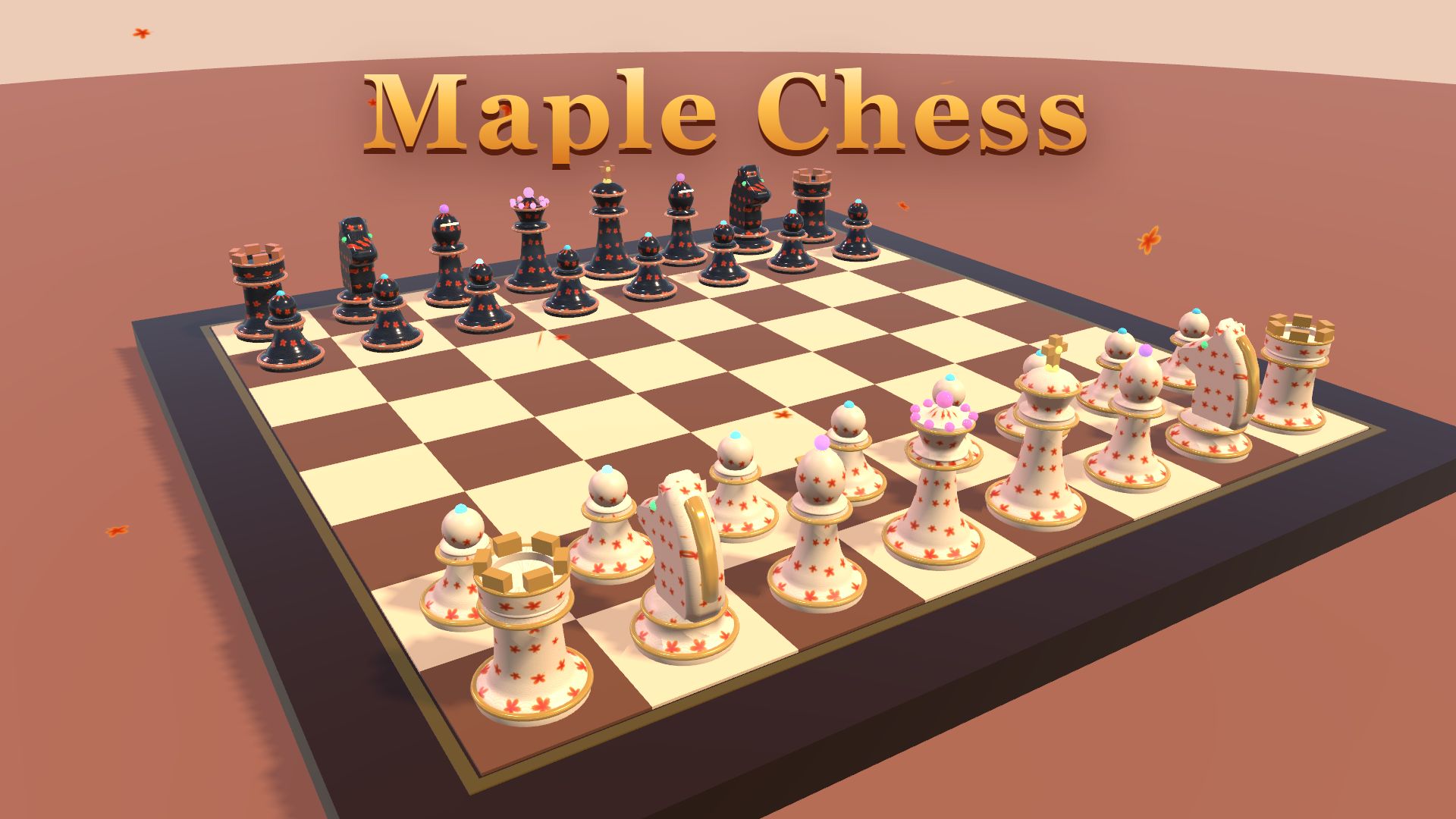
Maple Chess
A beautiful way to learn chess. The pieces are animated, the rules are complete, and the Undo button lets kids take back a mistake and try again. The Easy computer level makes plenty of mistakes, so young players can win their first games. You can also play together: choose 2 Players on one device.
Why parents like it: it teaches planning and patience, and it’s great for playing together.
→ Play Maple Chess · How to beat the computer
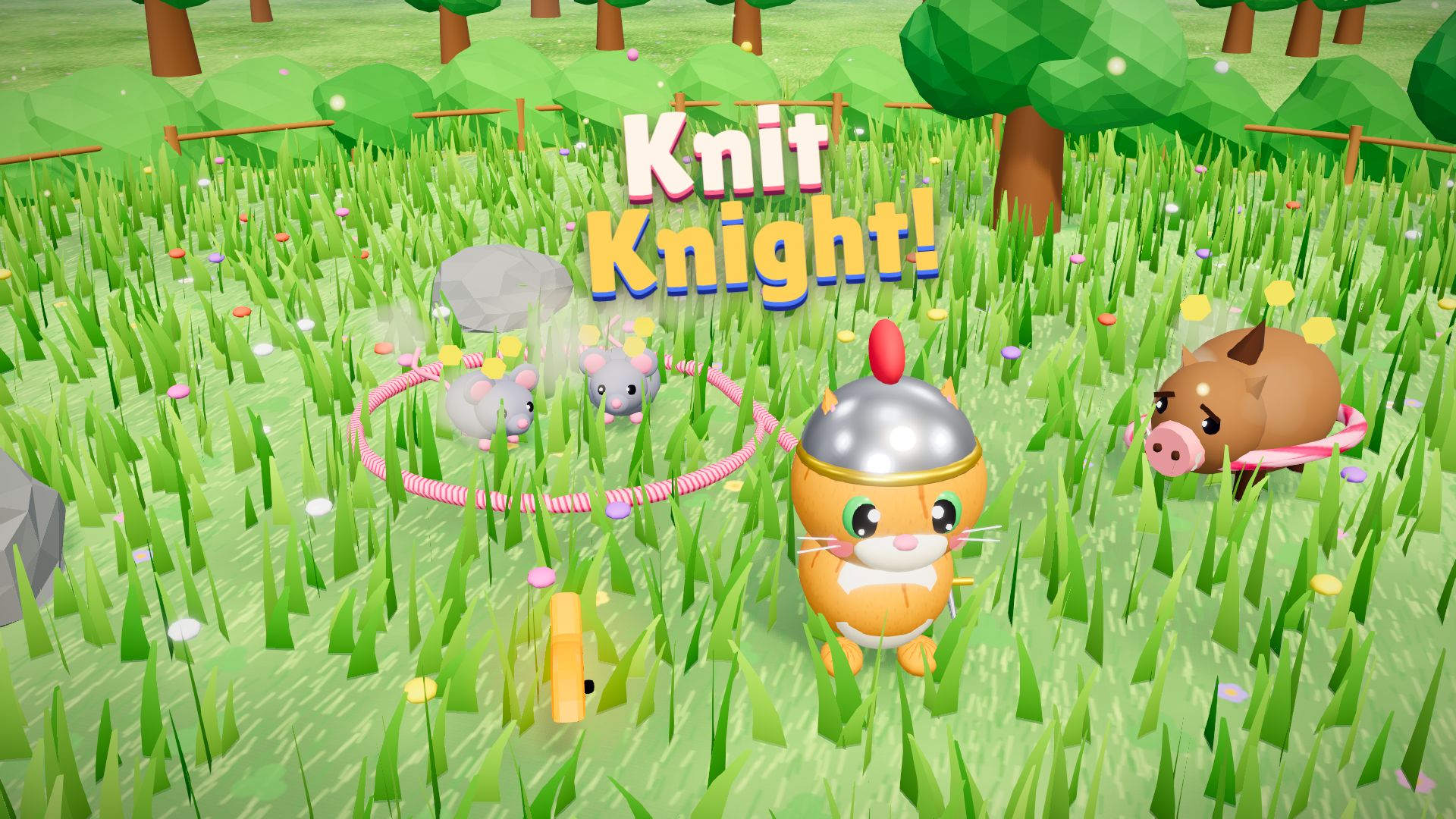
Knit Knight!
A tiny kitten knight runs loops of yarn around mischievous critters to tie them up. It’s cute and simple to start, and the bosses give older kids something to work on.
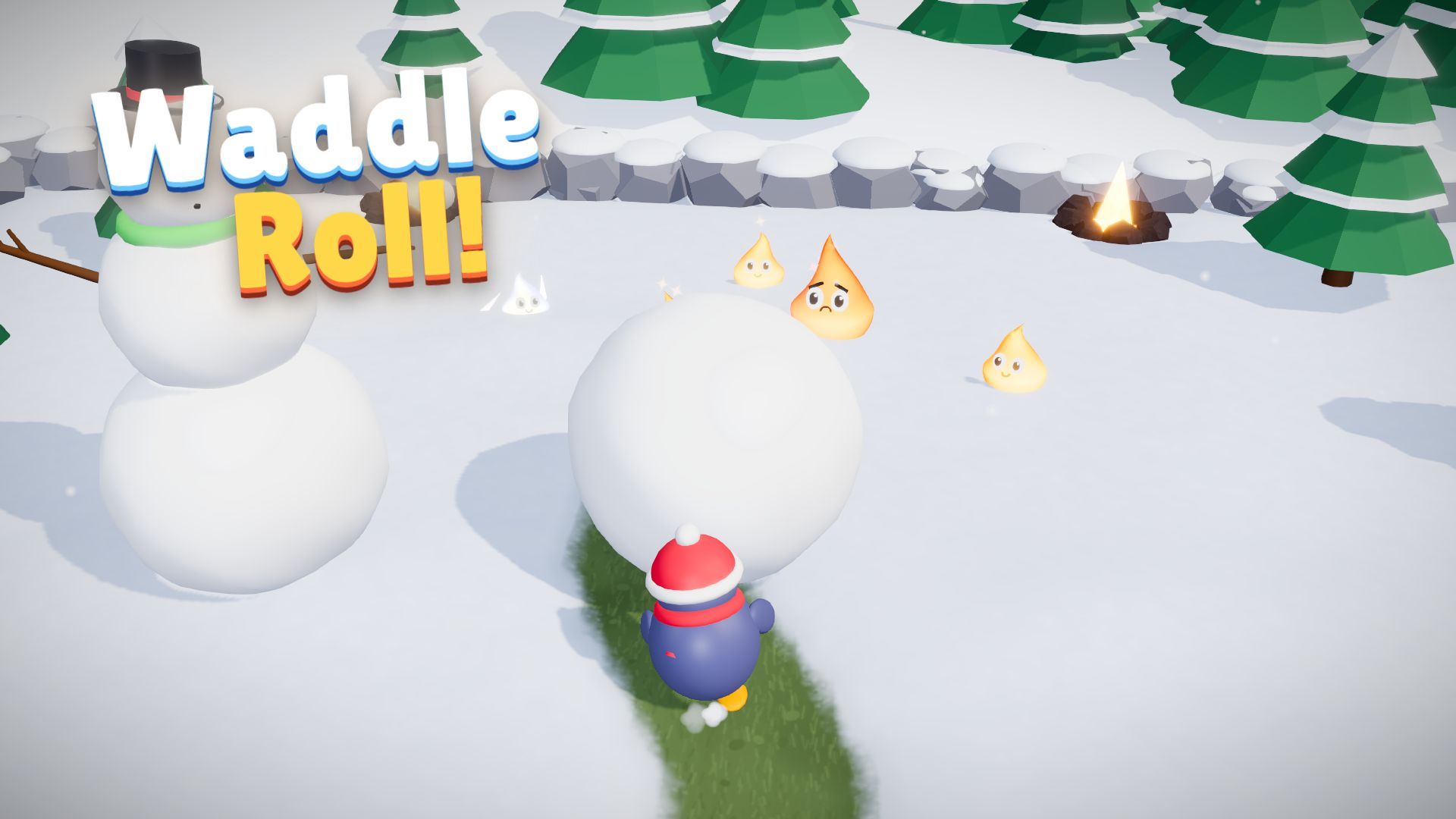
Waddle Roll!
Pom the penguin rolls snowballs that grow as they go, bowls them into fire embers and stacks them into snowmen. There’s nothing scary, and building a snowman army is a lot of fun.
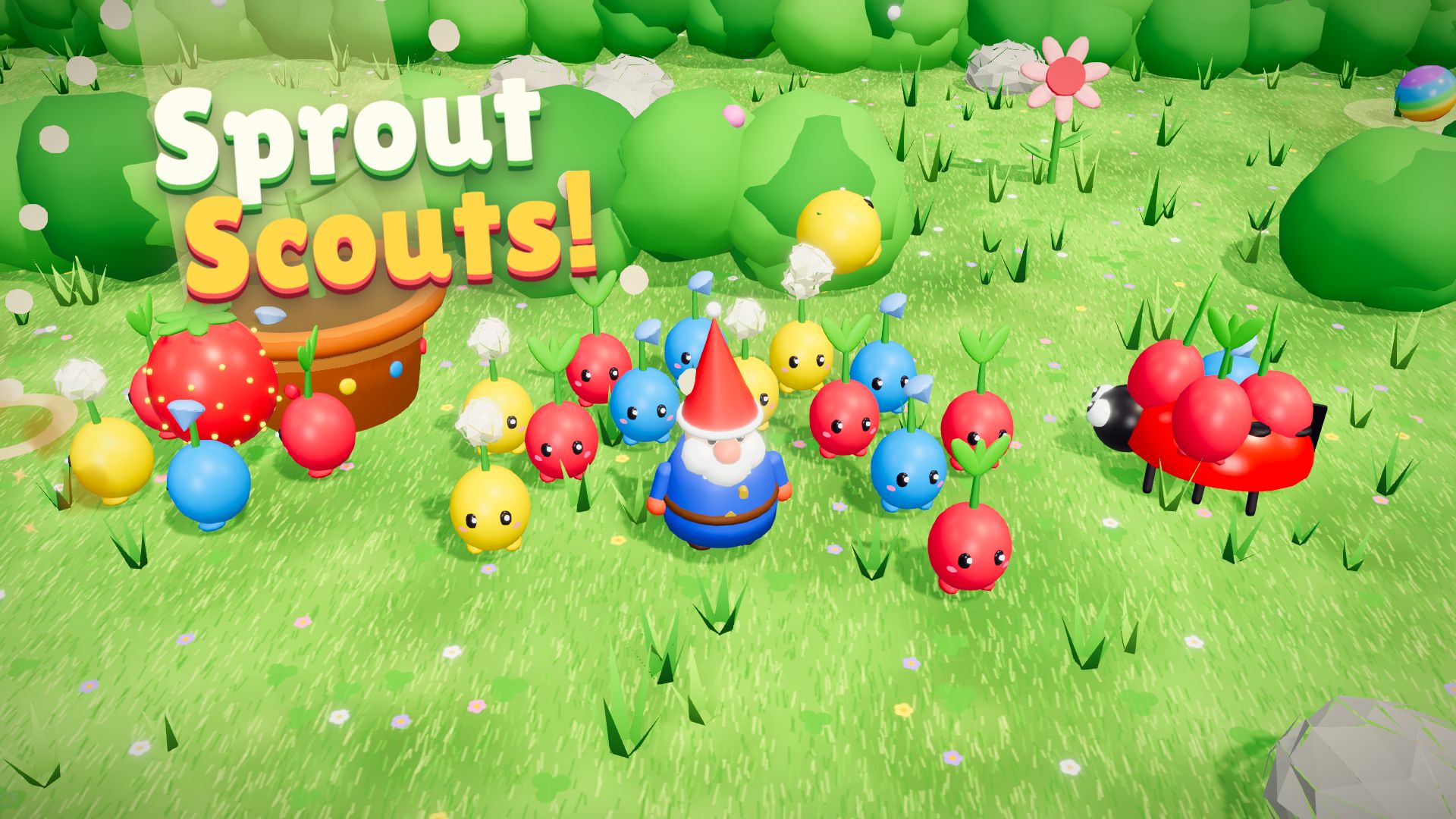
Sprout Scouts!
Kids lead a squad of cute veggie sprouts as Pip the scout gnome: pluck them, toss them at bugs and gates, and whistle them back. It’s a gentle first taste of strategy.
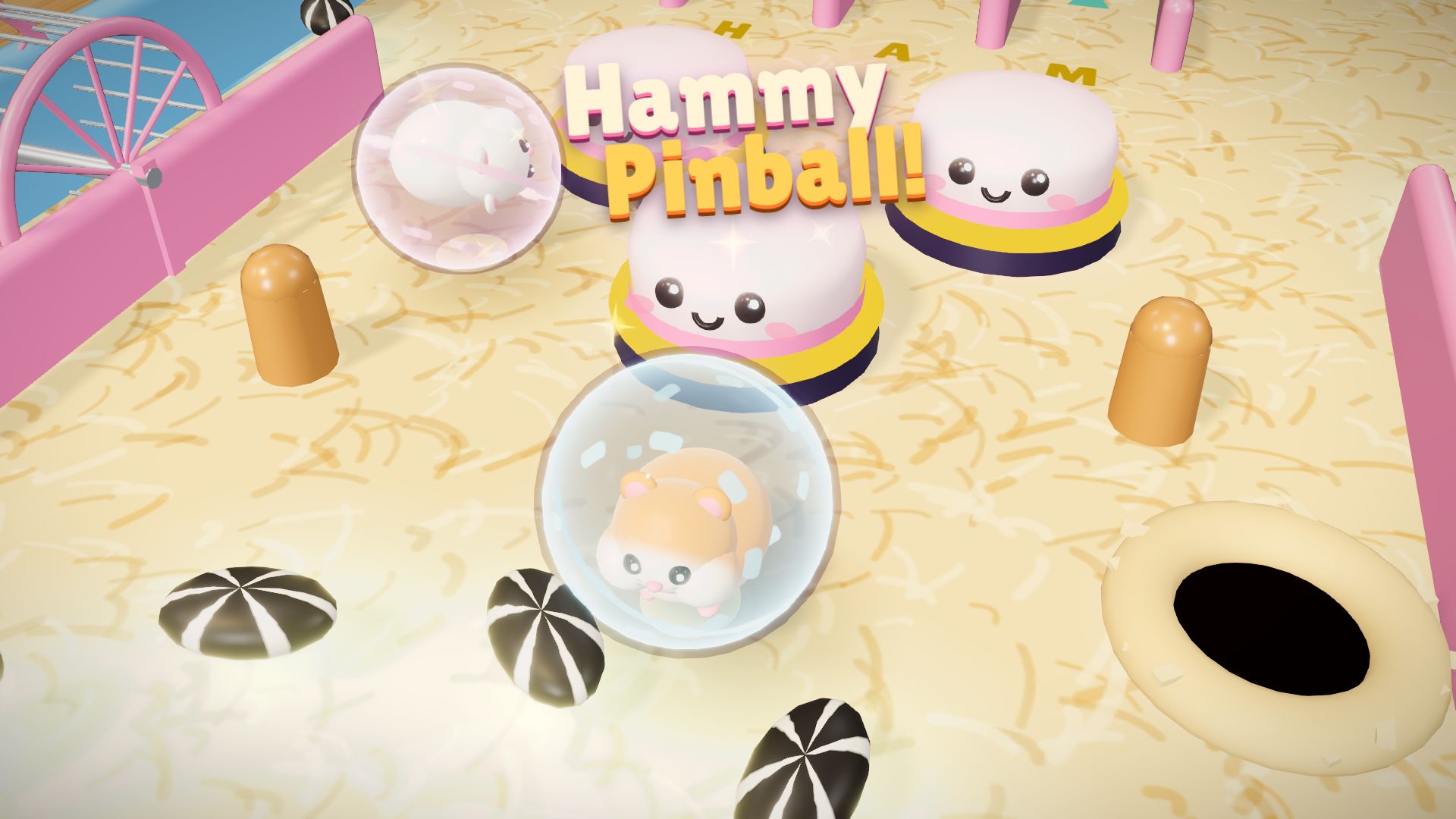
Hammy Pinball!
Pinball with a hamster as the ball. On a phone or tablet, tapping each side of the screen works the flippers, so it’s easy for small hands.
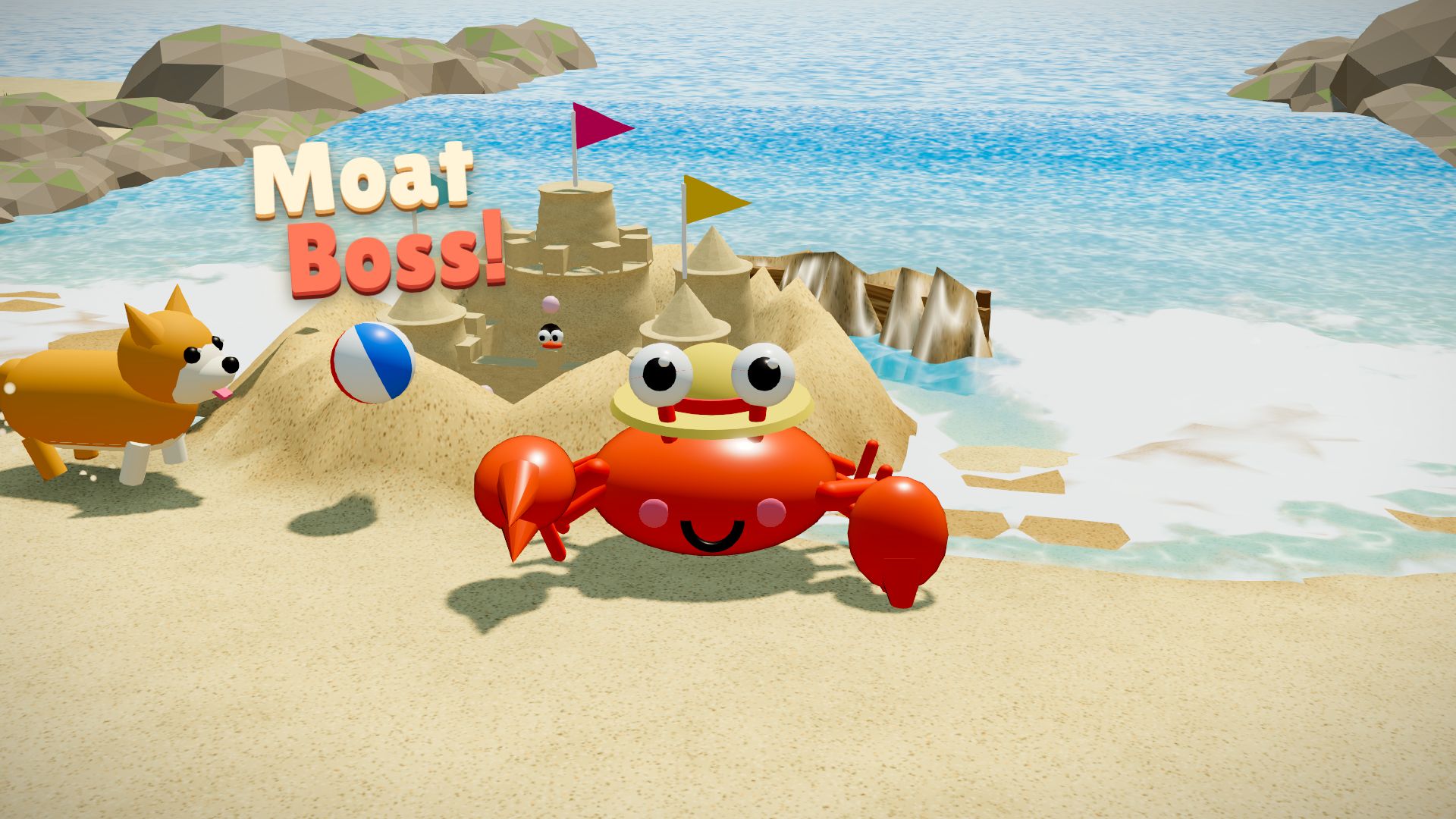
Moat Boss!
Pinchy the crab digs moats and piles up sand walls to keep a sandcastle dry when the tide comes in. It’s like a day at the beach, and kids learn how water finds its way through.
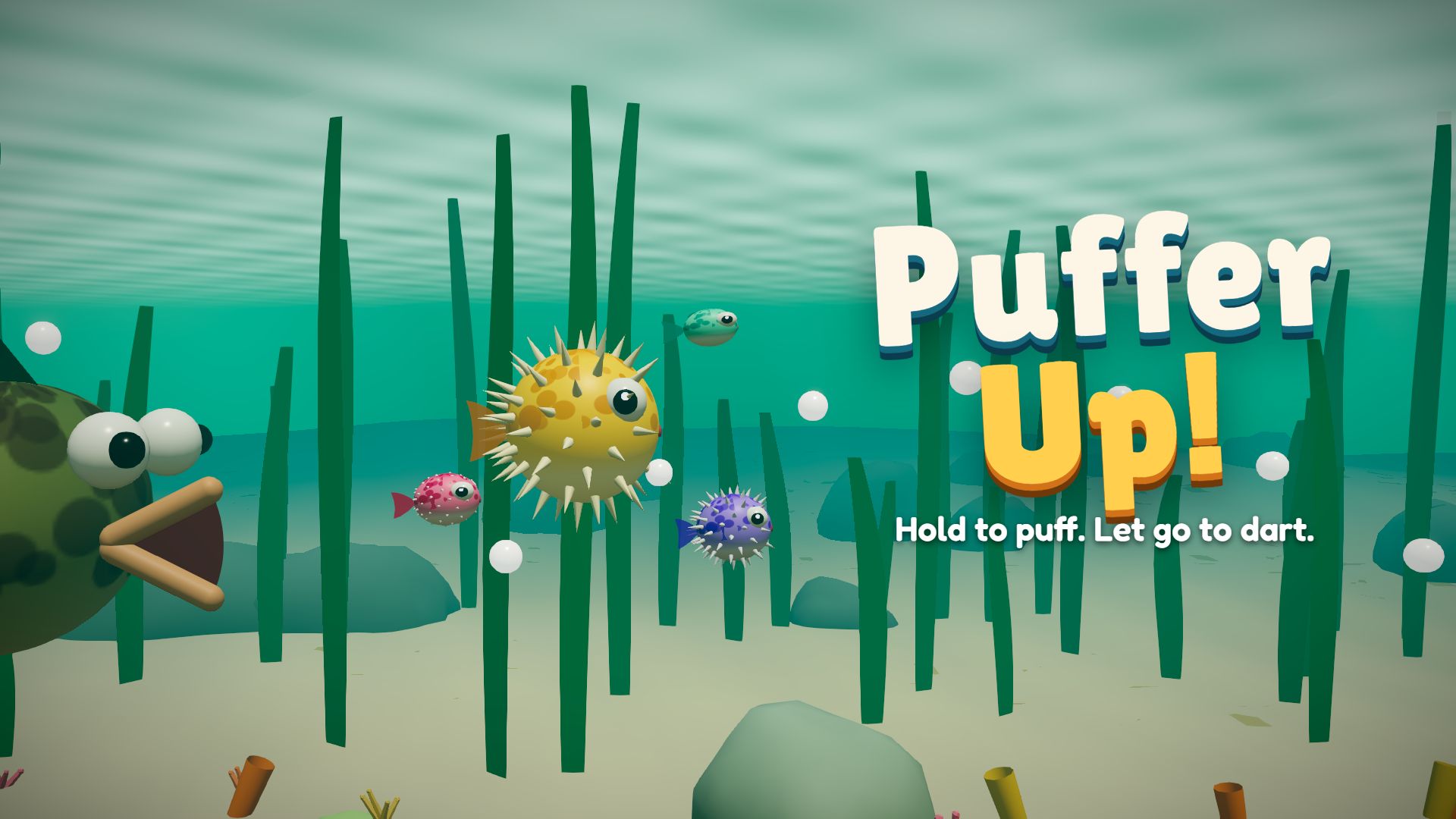
Puffer Up!
The whole game uses one button: hold to make a little pufferfish puff up and float, let go to make it slim and swim fast. Kids guide it across sunny reefs and bring baby puffers home. The eels and the big grouper are friendly cartoons, and a bump only costs a heart before the fish tries again from a checkpoint.
→ Play Puffer Up · Read the guide
For ages 7 and up
Orbit Rush
A colourful space racing game, like a kart racer around the planets. Kids race seven computer rivals, use fun items like Nitro and a Black Hole, and unlock new planets by earning stars. Ships get knocked into a spin, nobody gets hurt. It works with touch controls and gamepads too.
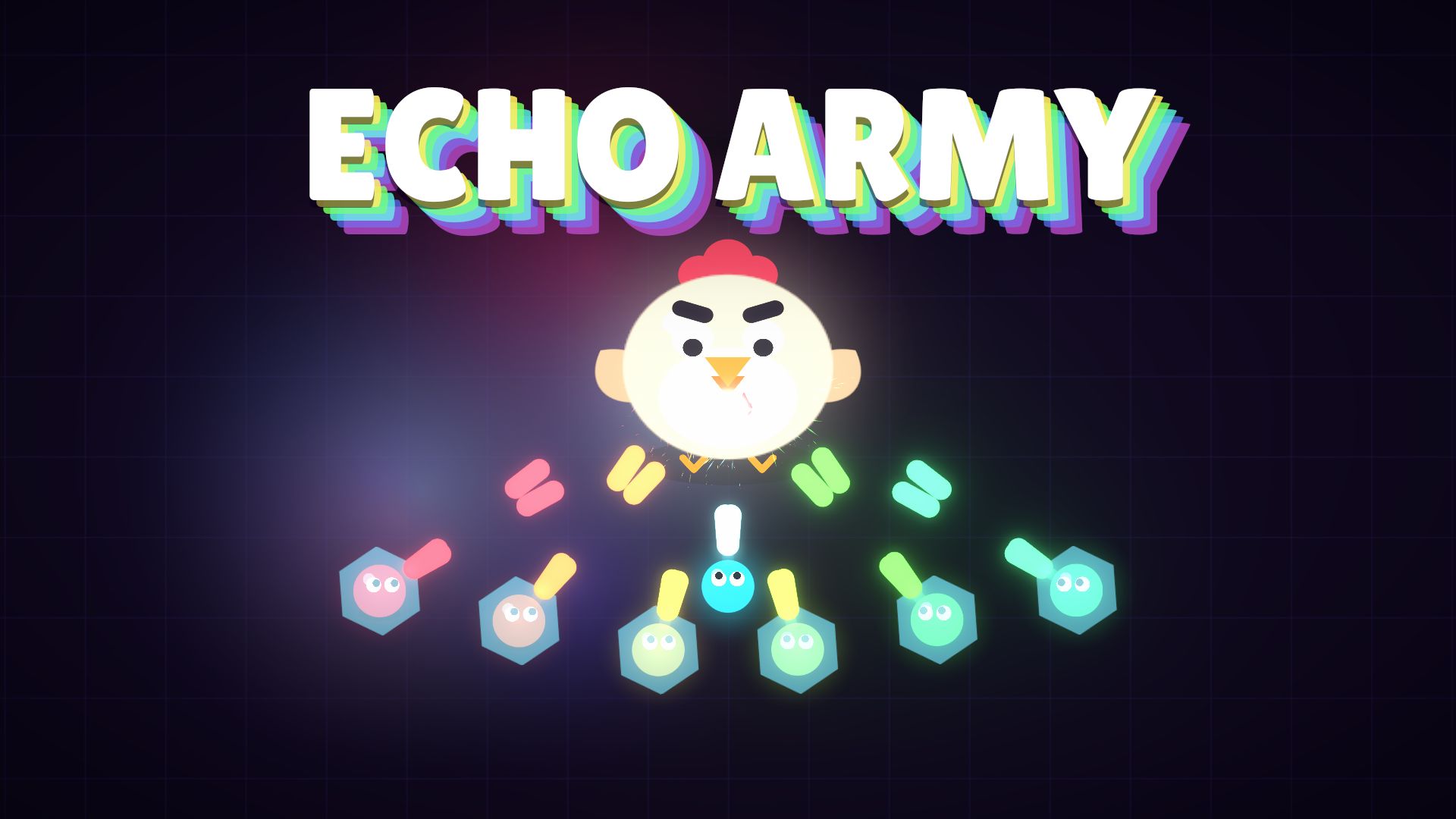
Echo Army
A cartoon shooter against funny bosses: a giant chicken, a killer toaster, a DJ cat and an angry alarm clock. The time-loop idea, where your past selves fight next to you, is a fun puzzle for older kids. It’s a bit harder than the games above, but the art is cute and the action is non-violent cartoon blasting.
Tips for parents
- Bookmark the game page, so your child can go straight back to it.
- Progress lives in the browser. Clearing browsing data, or switching devices, starts over.
- Full screen (the button under the game) removes distractions. On iPhone and iPad the game fills the screen instead.
- All games work in any recent Chrome, Edge, Firefox or Safari, including on most Chromebooks.
Our action games, Steel Legends and Mochi Blast, are aimed at older players (12+ and 7+), so check them out yourself first.