Free Games for Chromebook: 7 Browser Games That Need No Download
Chromebooks are great for school and work, but installing games on them can be a hassle: the Play Store isn’t always available, and managed devices often block installs. Browser games avoid all of that. If a Chromebook can open a website, it can play these games. There’s nothing to install, no extensions and no account.
Every game below runs in Chrome using WebGL 2, which all recent Chromebooks support. They also adjust their graphics to the device they’re running on.
Lightest: best for older or budget Chromebooks
These start fast and run smoothly even on low-end hardware.
| Game | Download | Controls |
|---|---|---|
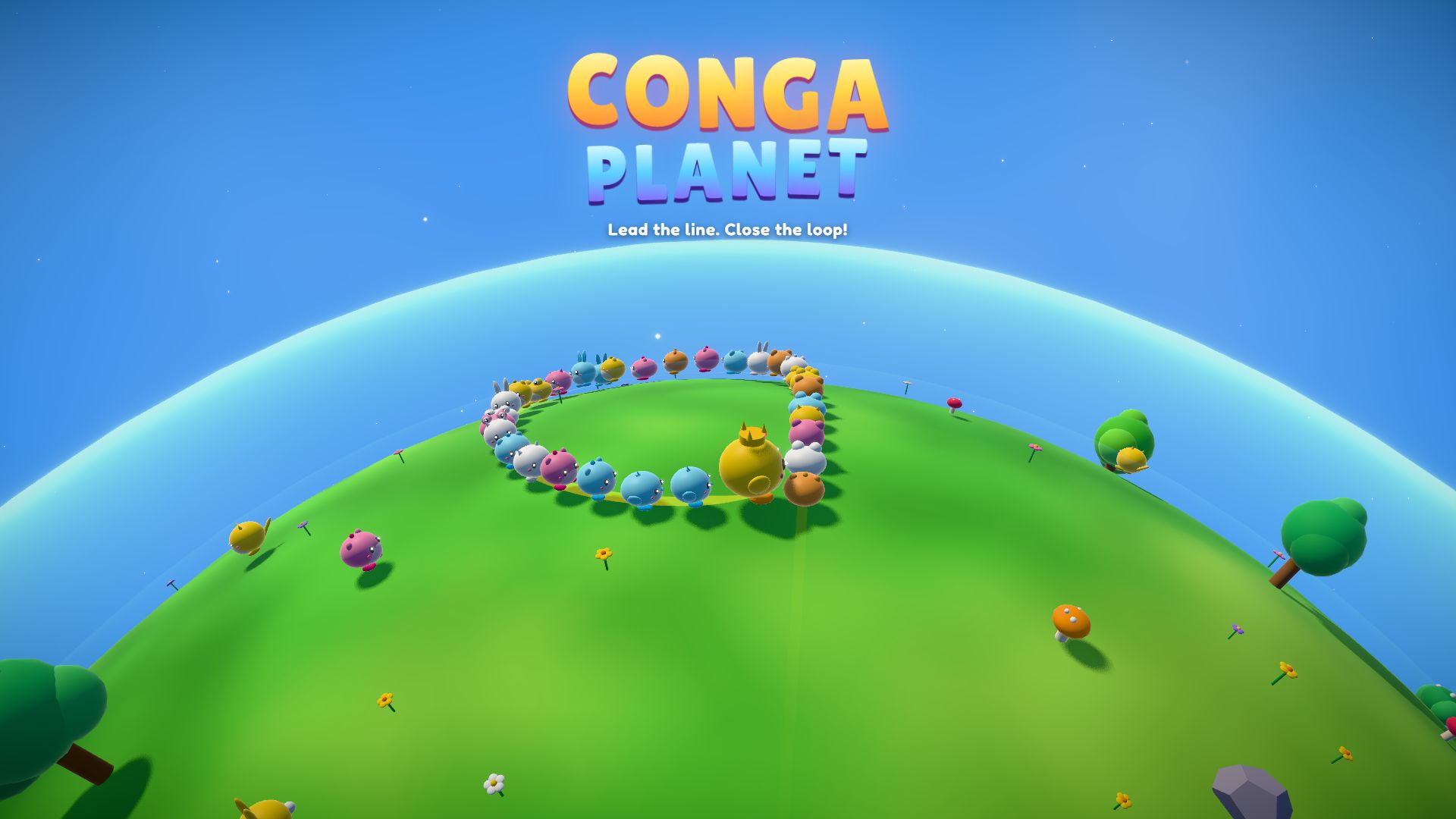
| Conga Planet | ~1 MB | Touchpad, mouse or arrow keys |
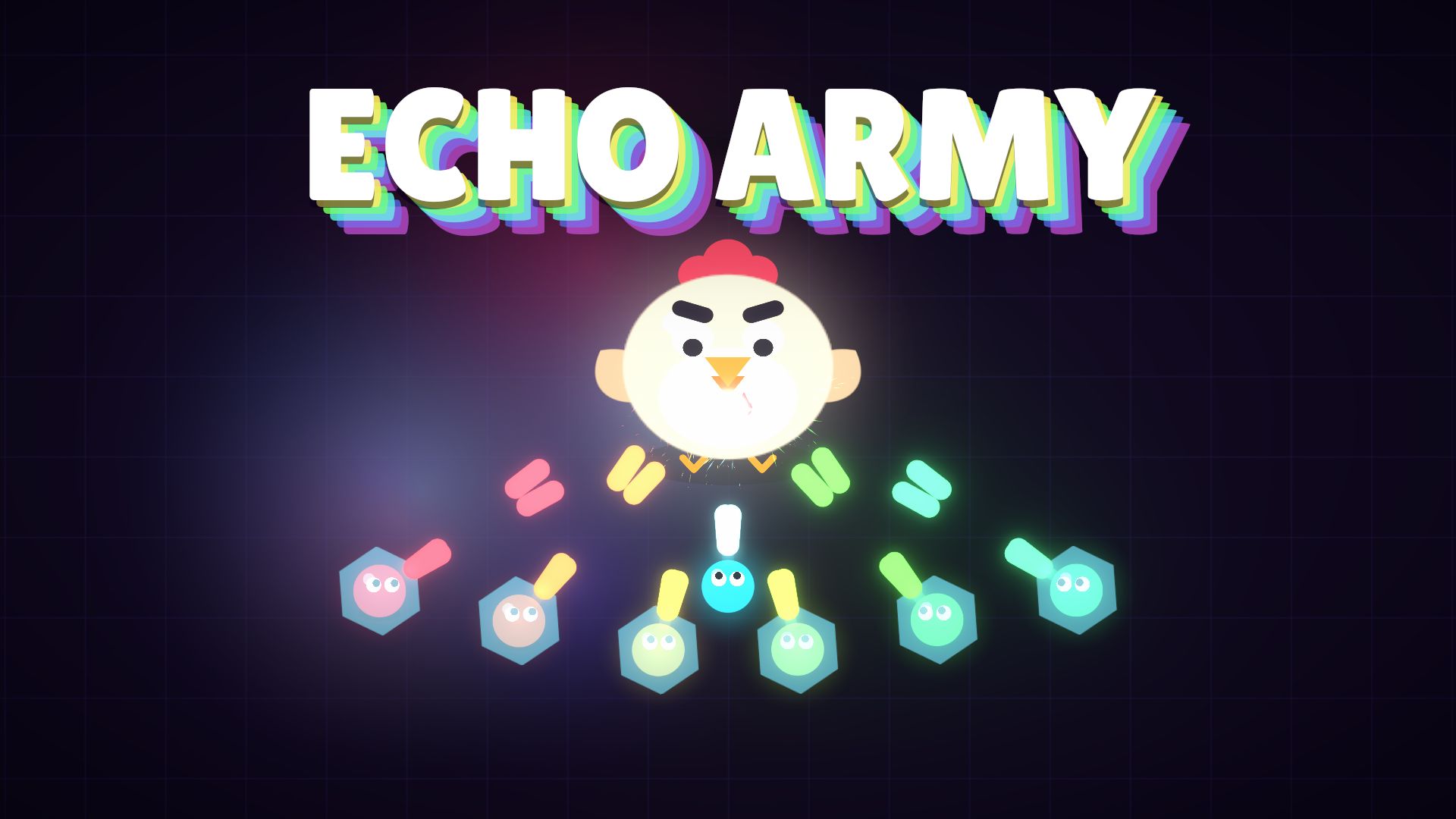
| Echo Army | ~8 MB | Keyboard + touchpad, or touch |
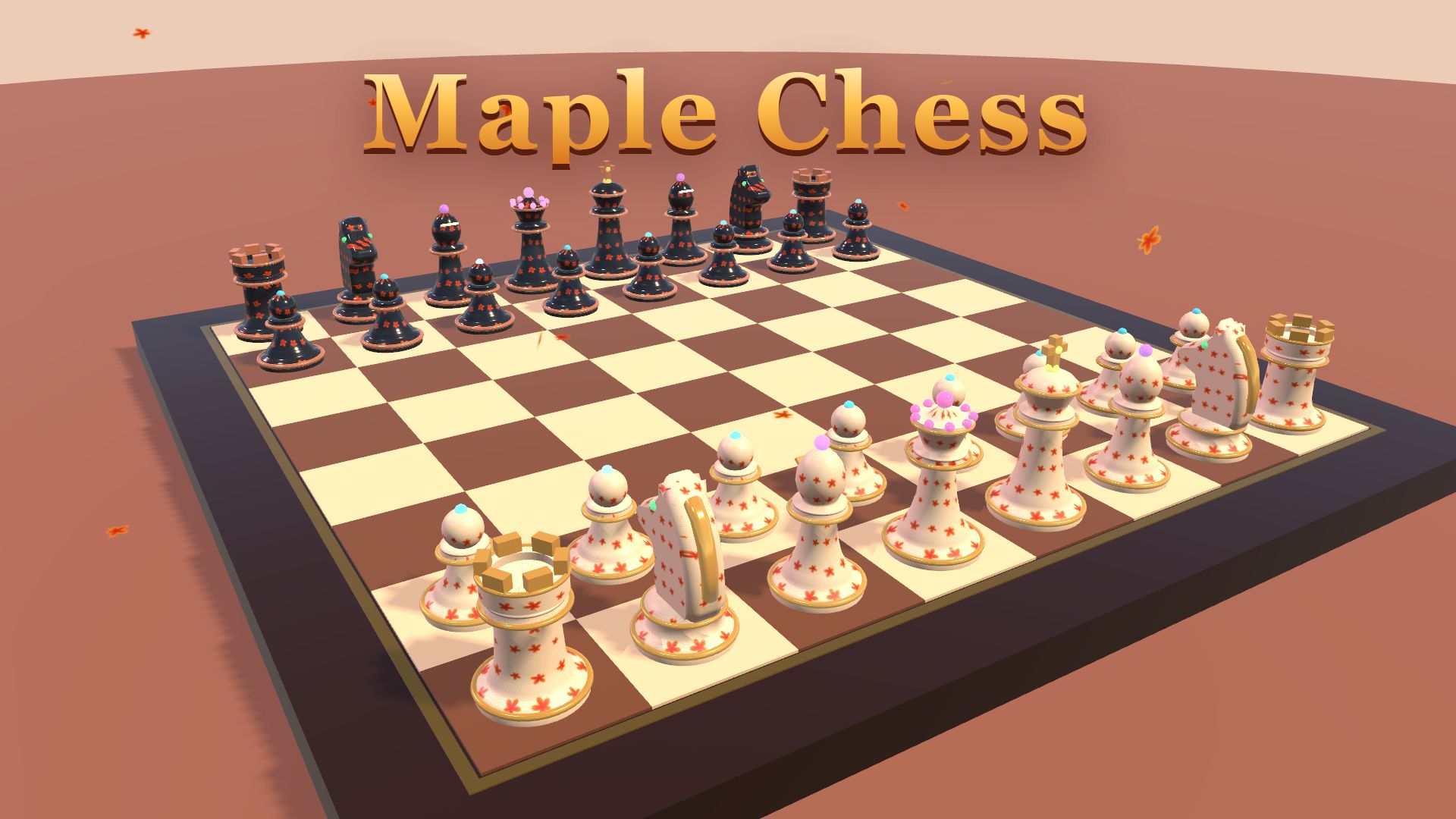
| Maple Chess | ~9 MB | Touchpad or touch |
Conga Planet is the lightest game we make: about 1 MB, so it loads almost instantly even on school Wi-Fi. Maple Chess needs no fast reactions, so it’s perfect on a touchpad.
Medium: great on most Chromebooks from the last few years
| Game | Download | Controls |
|---|---|---|
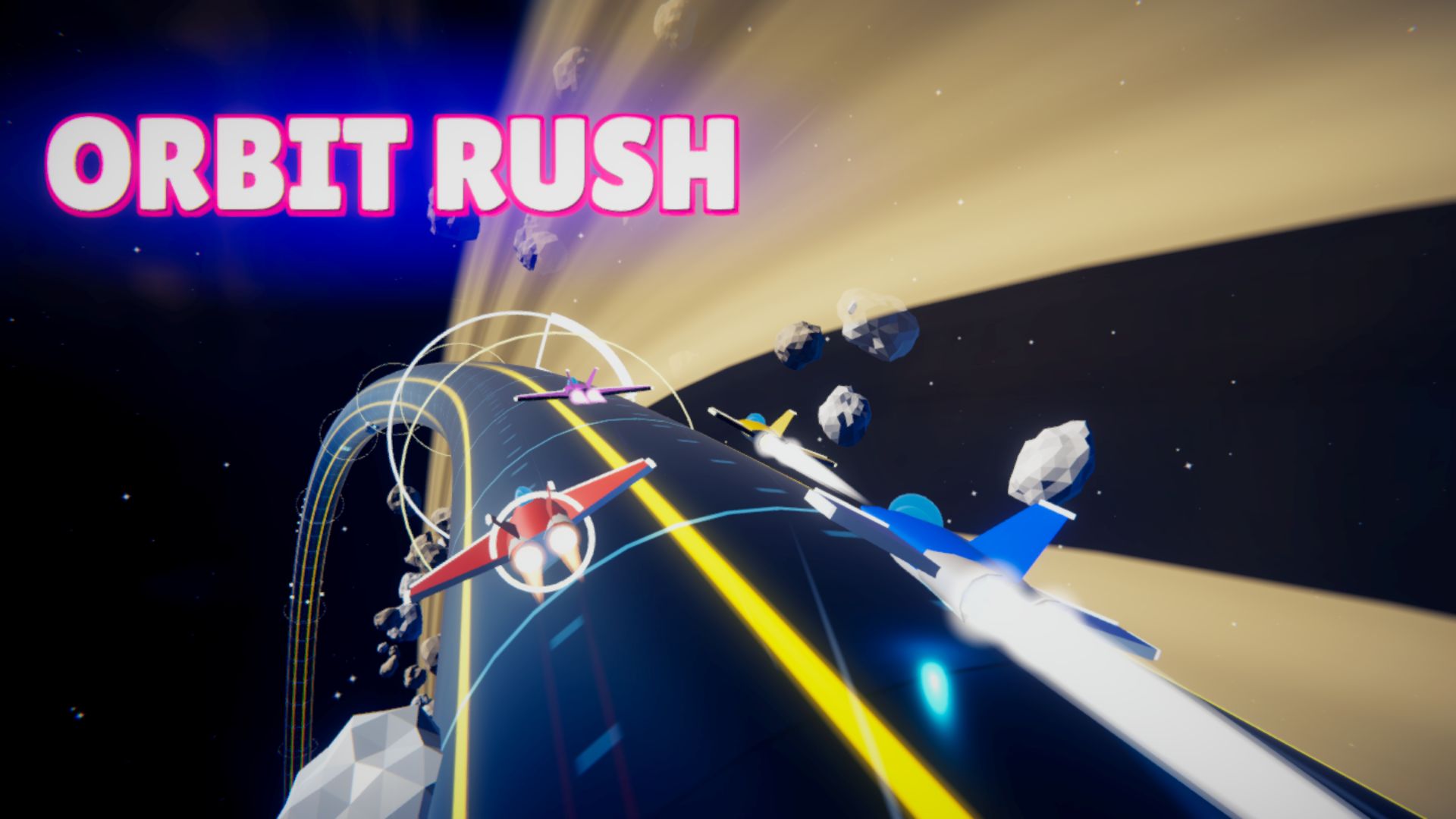
| Orbit Rush | ~12 MB | Arrow keys / A D, Space to drift |
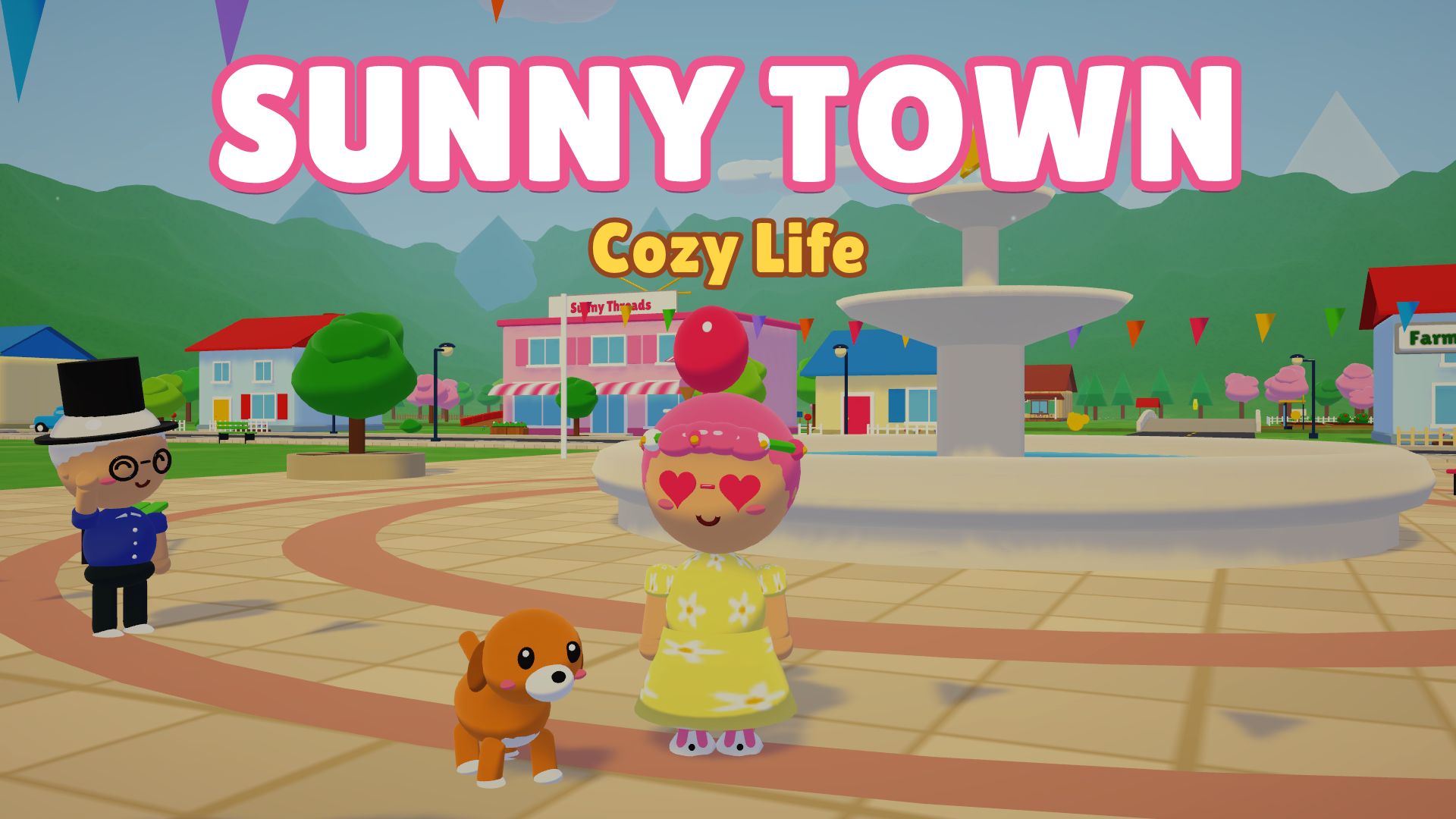
| Sunny Town | ~11 MB | WASD + touchpad, or touch |
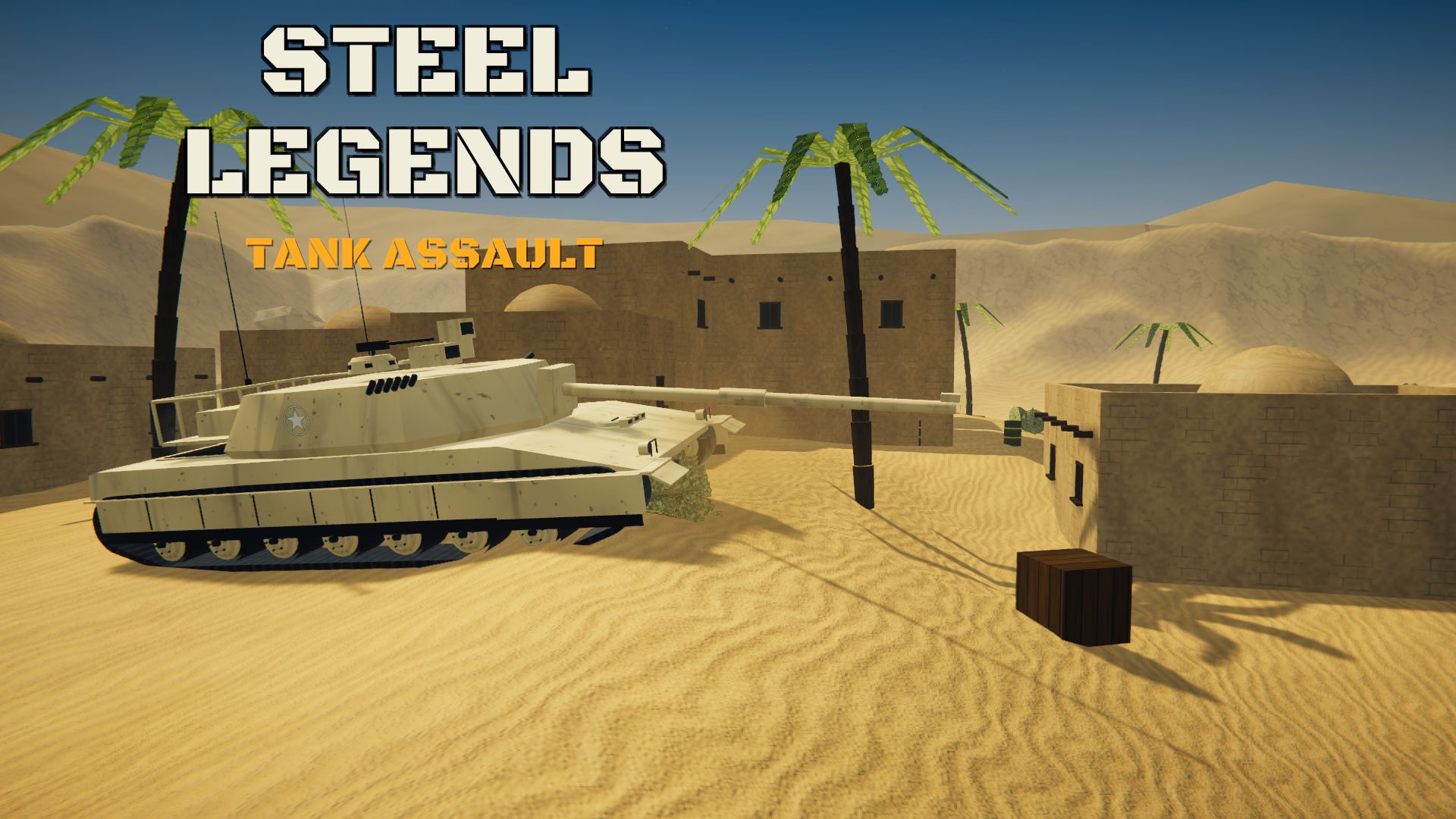
| Steel Legends | ~12 MB | WASD + mouse (a USB mouse helps) |
Orbit Rush plays entirely on the keyboard, which makes it one of the best games for a Chromebook without a mouse. Sunny Town has the longest first load because it builds a whole town, but it’s relaxing once you’re in.
Best with a mouse
| Game | Download | Controls |
|---|---|---|
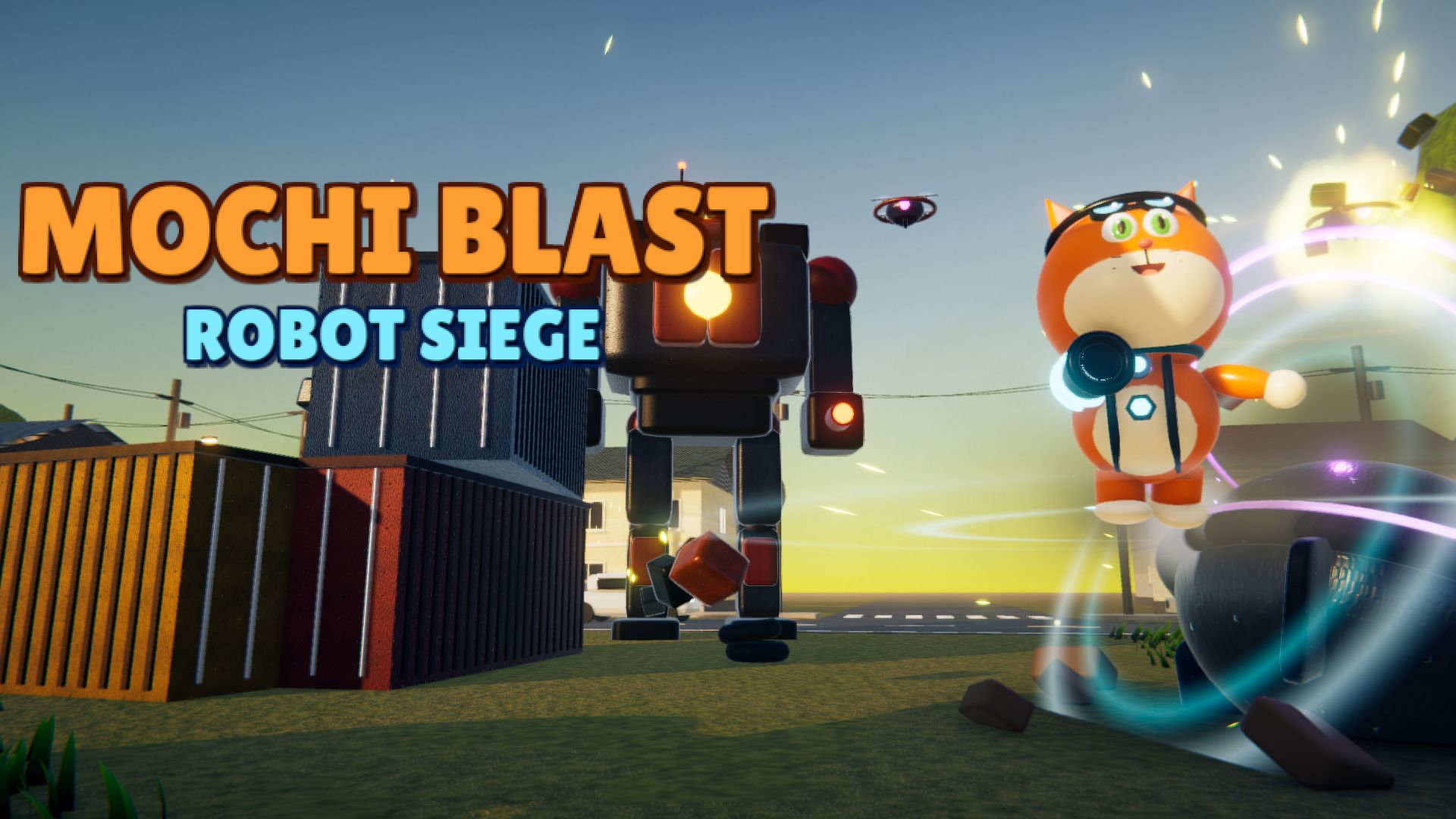
| Mochi Blast | ~15 MB | WASD + mouse aim |
Mochi Blast is a mouse-aimed third-person shooter. It works on a touchpad, but a cheap USB or Bluetooth mouse makes it much more fun.
Tips for smooth play on a Chromebook
- Close other tabs. 3D games share memory with everything else open in Chrome.
- Plug in the charger. Many Chromebooks slow down on battery saver.
- Use full screen. Press the Fullscreen button under the game for more pixels and fewer distractions.
- Lower the graphics in the game’s settings if it stutters. Several of our games (Orbit Rush, Steel Legends, Mochi Blast) have Auto/Low/Medium/High options.
- Give the first load a moment. After that, the game is cached and starts faster.
Does progress save?
Yes, progress saves in Chrome on that Chromebook. If you clear your browsing data, or if a school device resets on log-out, progress starts over.
Want our pick? Start with Orbit Rush if you like racing, or Conga Planet if your Chromebook is on the slower side.