Xbox Cloud Gaming Now Has Hour Limits: 8 Free Browser Games With No Time Cap
Fifteen hours sounds like a lot until you do the math: it’s 30 minutes a day. That’s the most cloud time any Game Pass plan includes, now that Xbox Cloud Gaming has monthly hour limits. “Xbox cloud gaming” is climbing in Google’s game searches this week, and the questions are the same everywhere: how many hours do I get, what happens when they run out, and what can I play instead?
This page answers all three. First the facts in one table, then eight free games you can play in your browser with no hour meter at all, five of them with full Xbox controller support. They work on the same Chromebook, laptop or work PC you’ve been streaming on.
Glowbit is an independent studio. We’re not connected with Microsoft or Xbox. We only mention them to explain the news.
Xbox Cloud Gaming limits: the facts
| What changes | |
|---|---|
| Game Pass Ultimate | 15 hours of cloud play a month |
| Game Pass Premium | 10 hours a month |
| Game Pass Essential | 5 hours a month |
| When | From November 2026 |
| Run out of hours? | Buy extra cloud playtime in the Xbox Store |
| Top-up prices (preview) | 10 h for $3.99, 25 h for $7.99, 50 h for $11.99 |
| Do bought hours expire? | No, they stay until you use them |
| No Game Pass? | You can buy cloud time to stream games you already own |
Microsoft announced the change on Xbox Wire on September 3, 2026, and said the reason is cost: cloud gaming gets more expensive “as more people use it and play for longer.” The top-up prices above are the introductory prices Xbox Insiders got in a preview from October 21, so they may change at the full launch (Windows Central, Cloud Dosage). The limits only count streaming. Games you download and play on your own Xbox or PC aren’t counted (T3).
Who feels it most
- Chromebook and laptop players. Many of them use the cloud because their computer can’t run Xbox games. For them, streaming isn’t an extra, it’s the only way to play.
- Long-session players. Two hours a night uses up the Ultimate plan in about a week.
- Phone and TV players without a console in the house.
If you’re in one of those groups, the games below are a good way to save your hours for the big games.
Why browser games don’t need a timer
Cloud gaming runs the game on a server far away and streams you a video of it. Every minute costs Microsoft a computer and bandwidth, so every minute is counted.
A browser game works the other way round. Your browser downloads a small game (most of the ones below are about 1 MB, smaller than one photo) and runs it on your own device. No server is rendering anything for you, so there’s nothing to meter, no queue and no video blur when the Wi-Fi gets busy. The trade-off is honest: these are short, bright indie games, not Halo. But they start in seconds and never ask how many hours you have left.
8 free browser games with no hour limit
1. Colossal Itch!: climb a walking giant
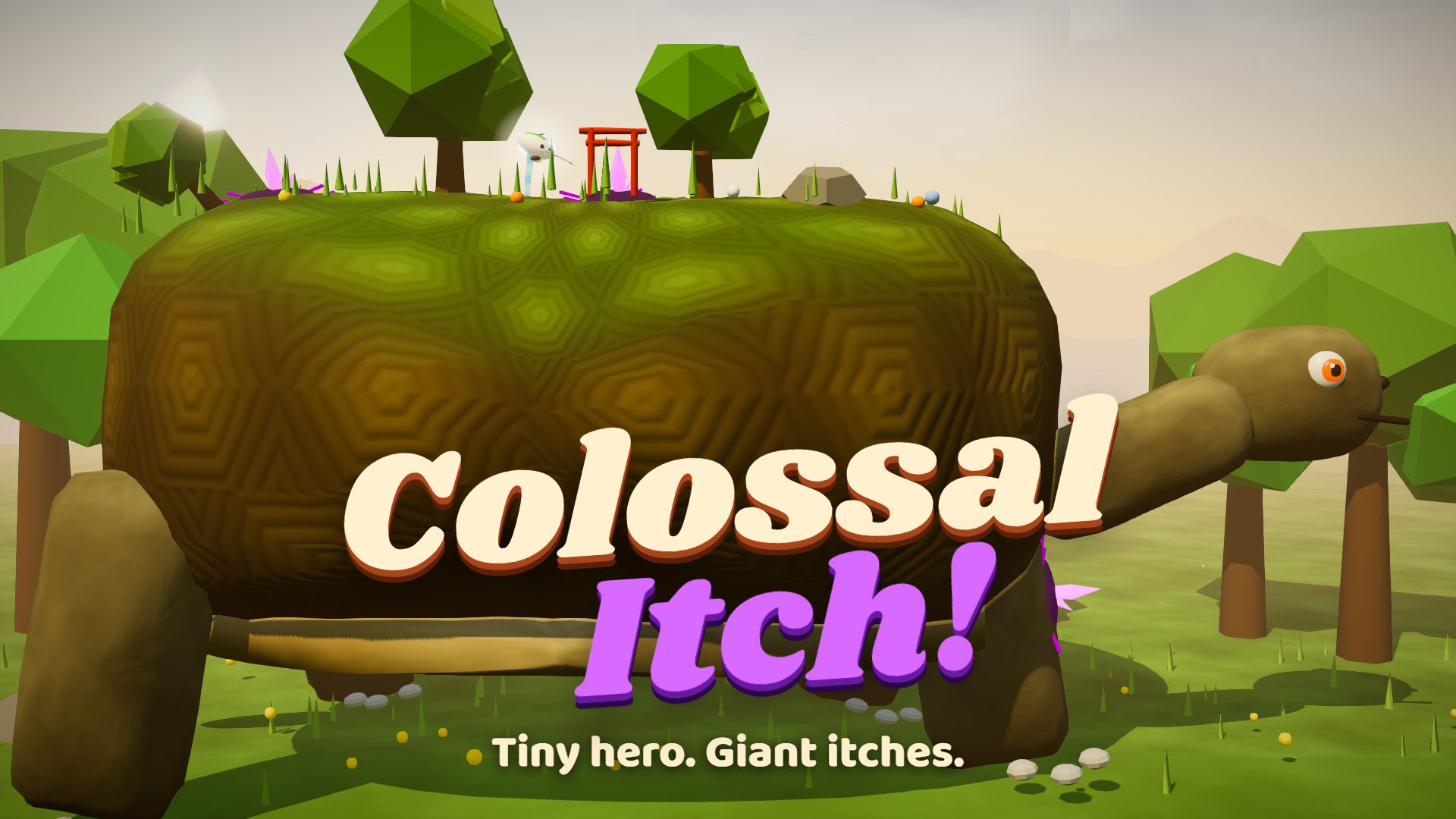
You’re Nib, a hero the size of a pebble, and the level is a giant that walks. Six titans (a mossy tortoise, a stag, a sky whale, a stone ape, a storm serpent and an ember giant) have glowing thorns stuck in them, and you climb their fur and moss to pull the thorns out. Your dash refills every time you hit something, so a good run keeps you in the air from thorn to thorn. Then the titan rumbles, its eyes glow, and you have to jump right before it shakes you off.
Why cloud gamers like it: big-boss, console-style action that fits in a browser tab. · Controller: yes · Mobile: yes
→ Play Colossal Itch · Read the guide
2. Act Natural!: online with real players
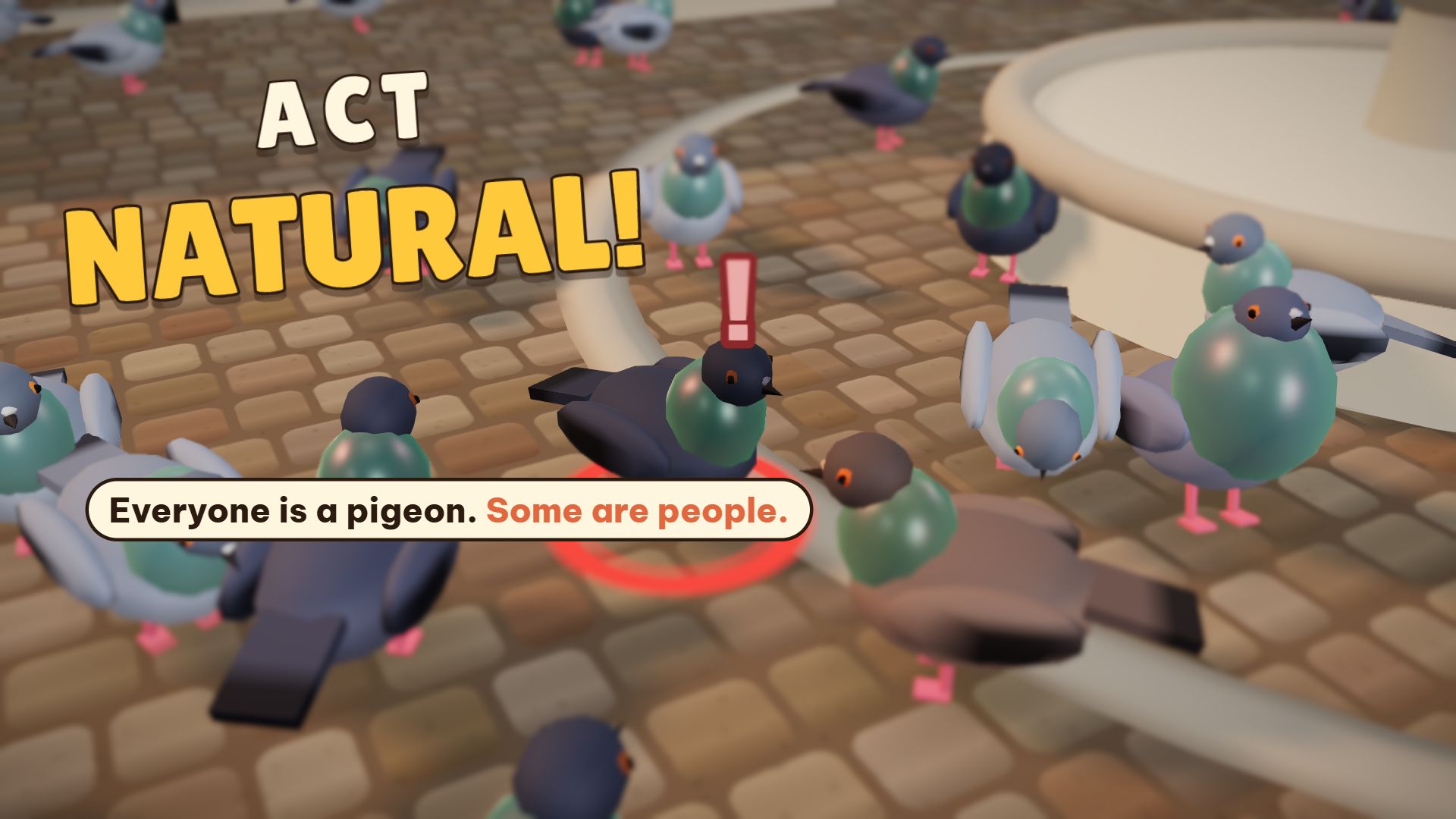
Up to eight real players hide as pigeons in a city plaza, among about 45 bot pigeons that look exactly the same. You score by pecking at secret snack spots and by snatching other players. The trick is acting like a bot: walk, stop, peck, coo, run to grandma’s bread with everyone else. Grab a bot by mistake and you wear a red mark that tells everyone you’re human. Matches last 140 seconds.
Why cloud gamers like it: it’s an online game with friends, and it costs zero hours. · Controller: yes · Mobile: yes
→ Play Act Natural · Read the guide
3. Orbit Rush: the racer
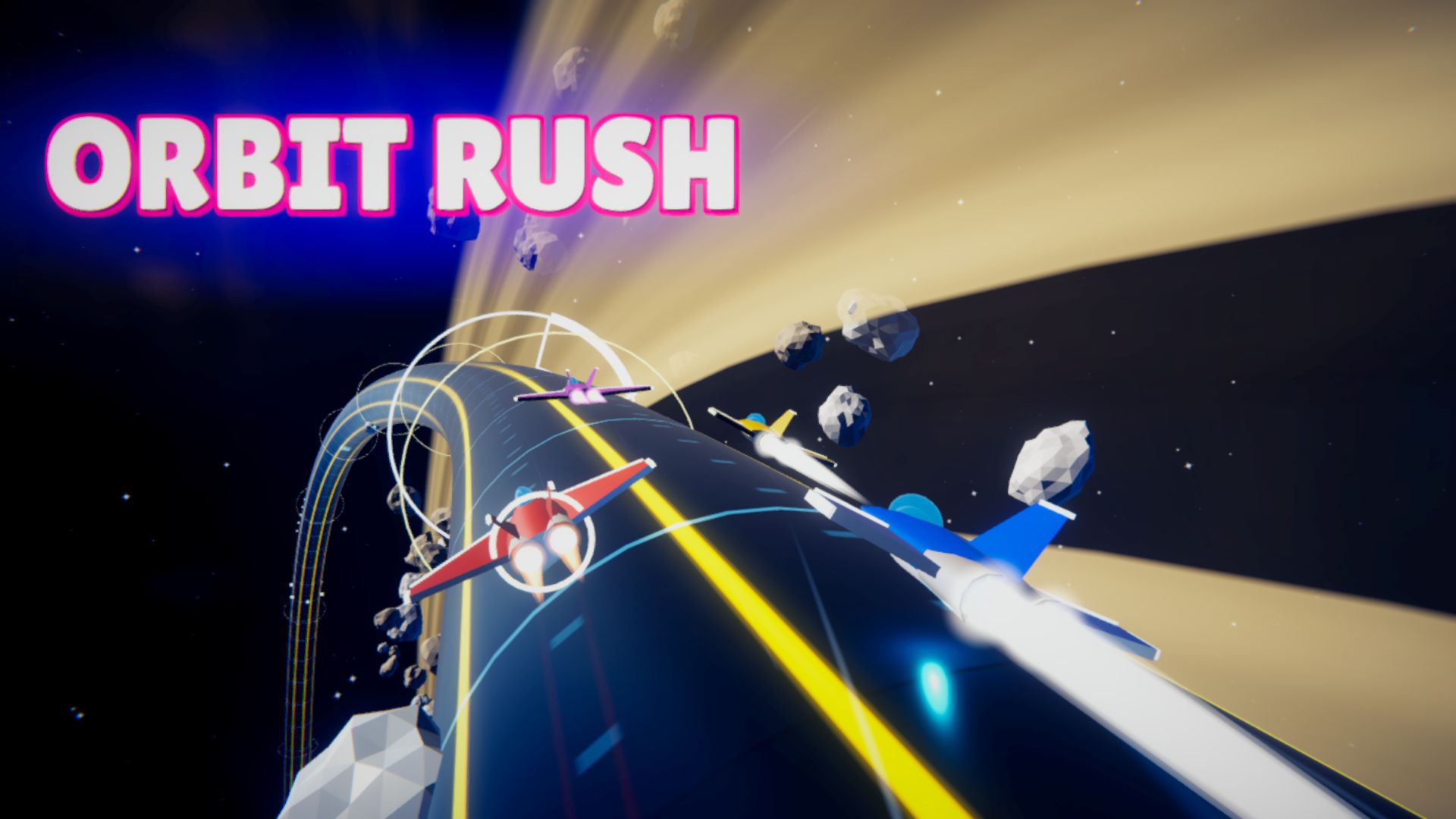
Race seven rivals around neon tubes that orbit the planets. You can drive all the way around the tube, drift for turbo (blue, orange, then purple sparks), grab items and unlock eight stages, from Earth Orbit to the Event Horizon. It’s the closest thing on this list to a Sunday-night Forza session.
Why cloud gamers like it: fast, smooth racing with no input lag from a stream. · Controller: yes · Mobile: yes
→ Play Orbit Rush · Read the guide
4. Steel Legends: Tank Assault: the campaign
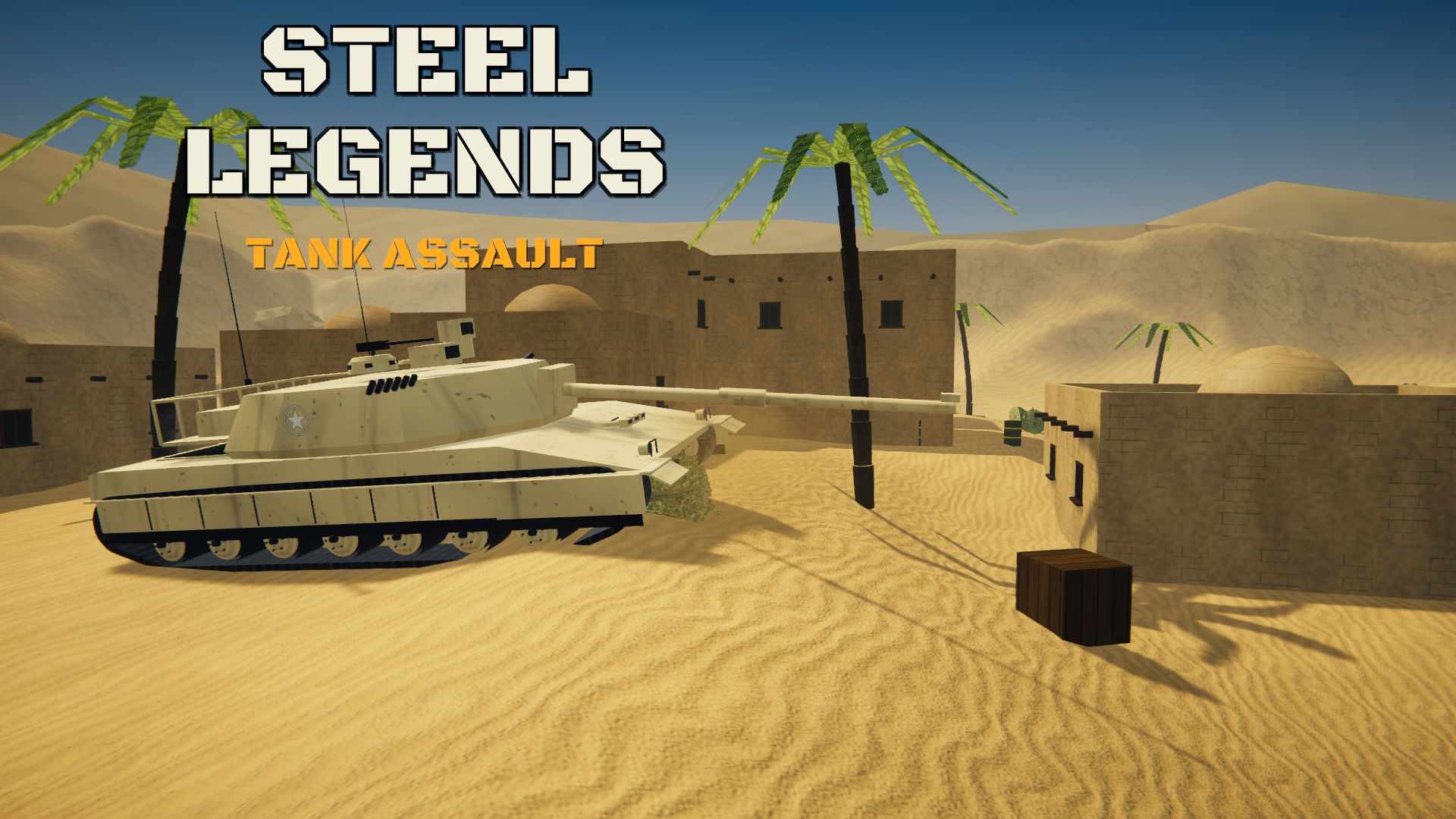
Start in an M4A3 Sherman in Normandy and fight through 30 missions in six theaters: assaults, capture-the-hill, depot defense and boss fights, all the way to the 1,000-tonne P.1000 Ratte. Heavier tanks unlock as you go, so there’s a real campaign to work through.
Why cloud gamers like it: a long campaign you can play for hours without watching the clock. · Controller: yes · Mobile: yes
→ Play Steel Legends · Read the guide
5. Mochi Blast: Robot Siege: the shooter
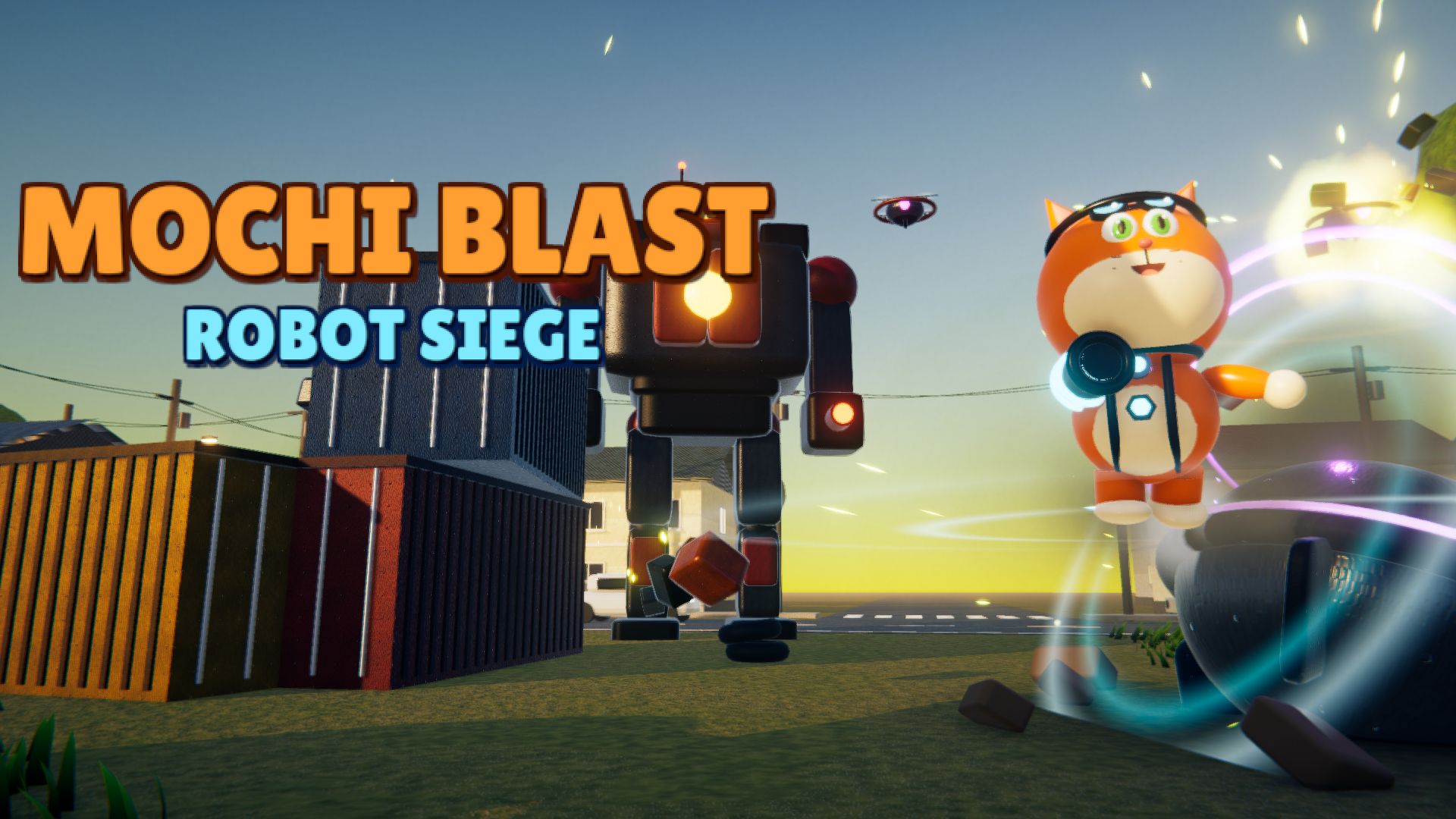
An over-the-shoulder 3D shooter starring Mochi, a robot cat with a jetpack and a backpack that prints gadgets mid-fight: freeze time, shrink robots, bounce bullets back with a shield, drop a hologram decoy. Survive 7 waves of time-travelling robots, beat the Titan Mech, then keep going in Endless mode.
Why cloud gamers like it: third-person action with a gamepad, on hardware that can’t run console shooters. · Controller: yes · Mobile: no (best on PC or Chromebook)
→ Play Mochi Blast · Read the guide
6. Jelly Gulp!: the party brawler
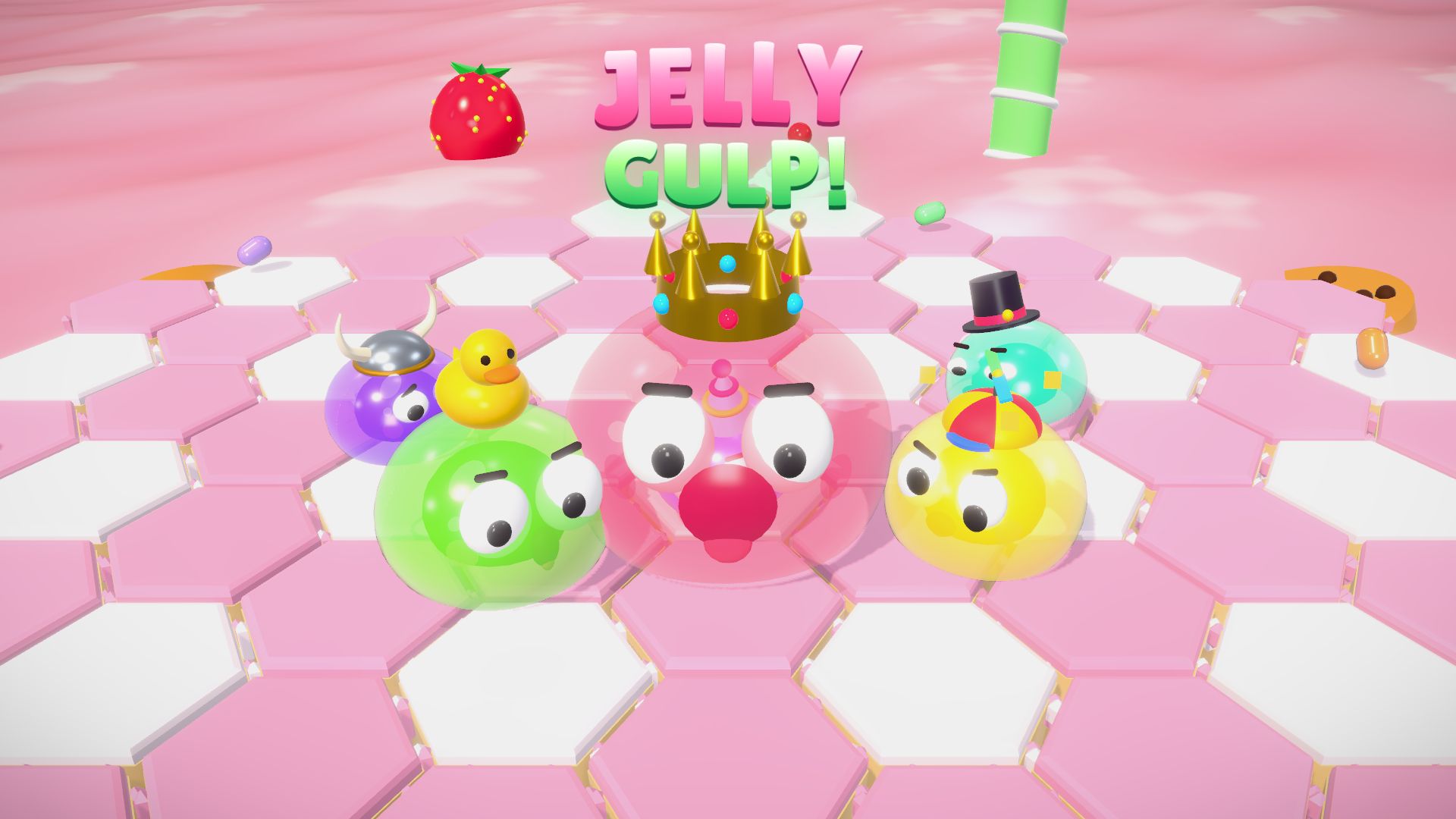
Eight wobbly jellies fight on top of a giant dessert, and the dessert falls apart under them. Roll over candy to grow, dash into smaller jellies to gulp them, then spit them like cannonballs at the big ones. Grab a Hot Chili for rapid dashes or Bubble Gum to float over the holes. The last jelly on the cake wins, across 15 stages in 5 dessert worlds.
Why cloud gamers like it: quick rounds for when you have five minutes, not fifty. · Mobile: yes
→ Play Jelly Gulp · Read the guide
7. Sprout Scouts!: the squad adventure
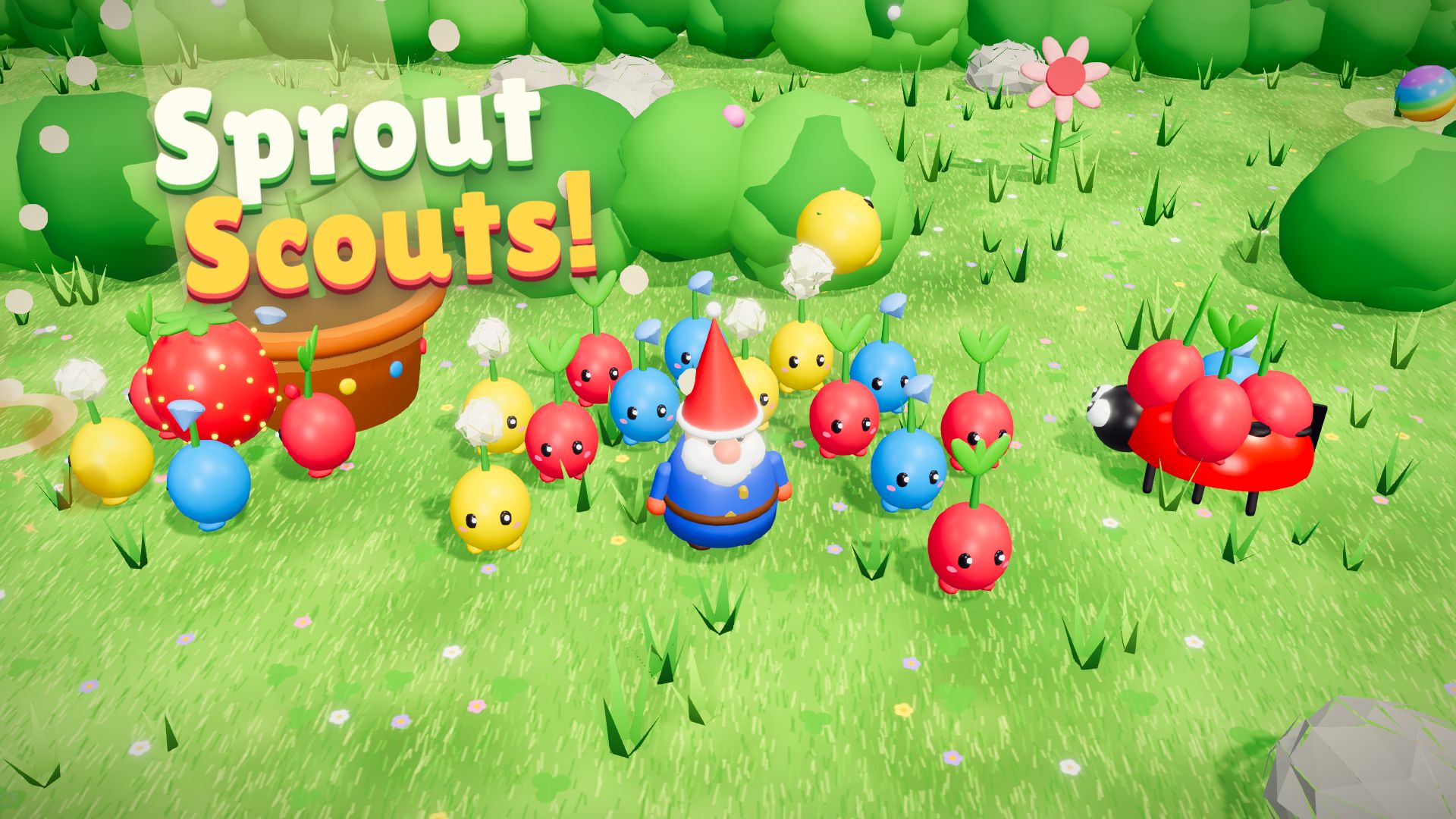
You’re Pip, a scout gnome with a squad of little veggie sprouts. Pluck them out of the ground, toss them at bugs and twig gates, and whistle them back. Red Radishes hit hard, blue Bluebells swim, and yellow Sunpuffs fly over hedges. Together they carry lost treasure home before sunset.
Why cloud gamers like it: if you love squad-command games, this is a cozy one in your browser. · Mobile: yes
→ Play Sprout Scouts · Read the guide
8. Leaf Me Alone!: the chill one
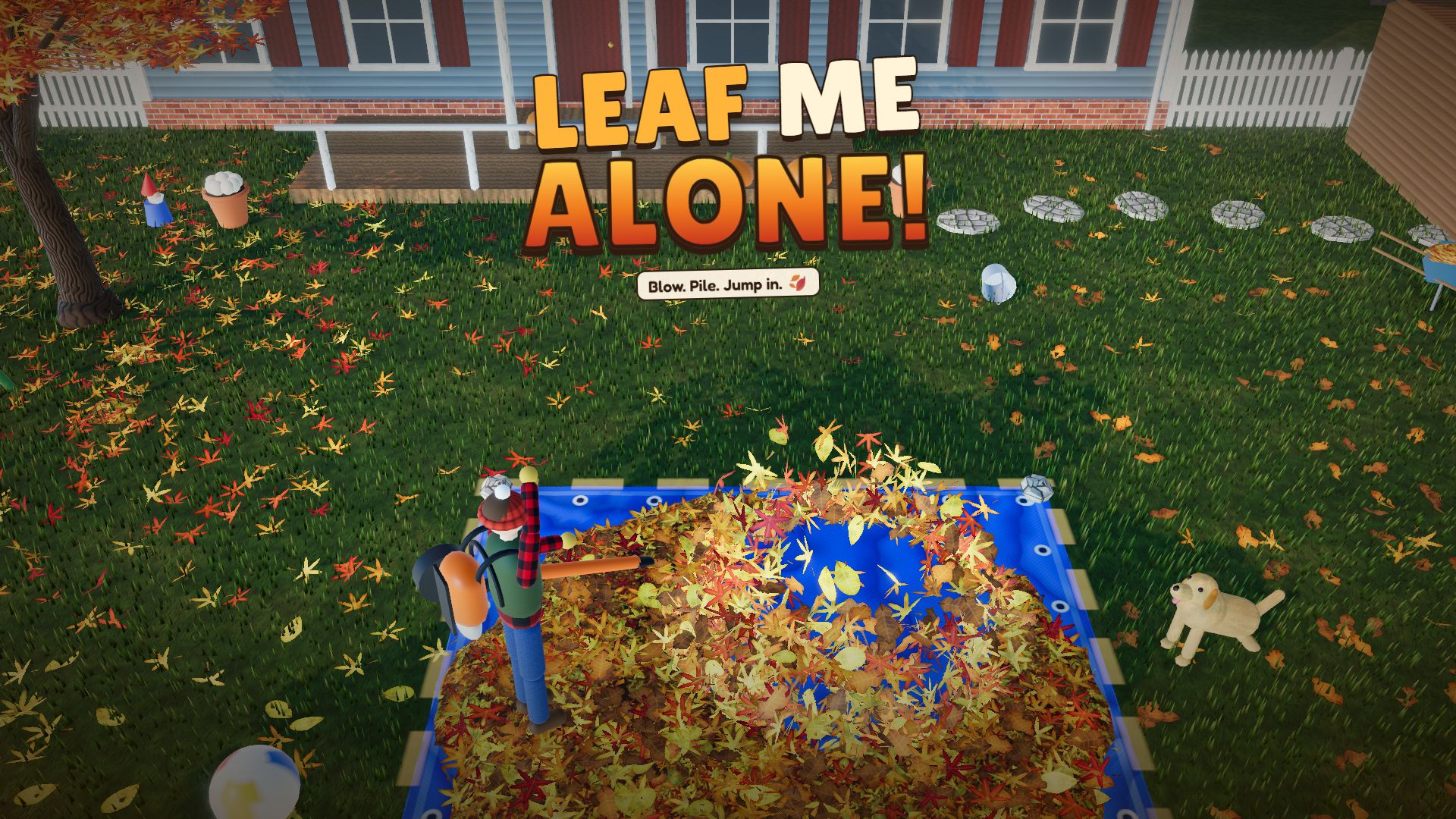
Every leaf in the yard is simulated, up to 7,200 of them, so they roll, flutter, float on the pond and heap up into real piles. Blow them onto the tarp, win a leaf war over the neighbour’s fence, or clear the path, across 12 yards. It’s oddly calming, and it’s one of the most-played games on our site this month.
Why cloud gamers like it: a relaxing game for the end of the night, when you don’t want to spend your last hour. · Mobile: yes
→ Play Leaf Me Alone · Read the guide
How to use your Xbox controller in the browser
- Plug the controller in with USB, or pair it over Bluetooth like any other device.
- Open one of the controller games above (Colossal Itch, Act Natural, Orbit Rush, Steel Legends or Mochi Blast) in Chrome or Edge.
- Press any button once the game has loaded so the browser notices the controller.
Firefox and Safari support controllers too, but Chrome and Edge work most reliably, especially on Chromebooks.
Frequently asked questions
How many hours of Xbox Cloud Gaming do I get? From November 2026, Game Pass Ultimate includes 15 hours of cloud play a month, Premium includes 10 and Essential includes 5. After that you can buy extra time in the Xbox Store.
How much does extra Xbox cloud time cost? In the Insider preview that started October 21, 2026, it was $3.99 for 10 hours, $7.99 for 25 hours and $11.99 for 50 hours. These are introductory prices, so check the Xbox Store for current prices. Hours you buy don’t expire.
Do the limits count games I download to my Xbox or PC? No. The hours only count cloud streaming. Downloading a game and playing it on your own console or PC isn’t counted.
Is there free cloud gaming with no limit? Be careful with sites that promise “unlimited free Xbox Cloud” or hour hacks. Microsoft hasn’t announced anything like that, and those pages usually want your Microsoft account password or a download. Browser games like the ones on this page aren’t cloud gaming at all: they run on your own device, which is why they have no hour limit.
Can I play these games on a Chromebook? Yes. Every game on this page runs in Chrome on a Chromebook. For more, see our list of Chromebook games.
Are these games really free? Yes. All eight are free, with no download, no account and no hour limit. They’re made by Glowbit, an independent studio.
How to play
Click a game, then press Play now. There’s nothing to install and no account to make. The games work in any recent version of Chrome, Edge, Firefox or Safari on PC, Mac and Chromebook, and every game here except Mochi Blast also works on Android and iPhone. Your progress is saved in your browser.
Playing with friends tonight? See our guide to games to play with friends online, or just browse all our free games.